


Brain
Your 24/7 thinking partner inside MTBrain, running privately for your team. Use it to brainstorm ideas, write a script for every scene, draft content, and turn rough thoughts into better image prompts.
Attach a PDF, Word file or image and get clear point form summaries in seconds. Ask it to describe a photo in detail, from composition and lighting to colour, mood and texture, so you can recreate the look. This makes it easy to reverse engineer references, turn visuals into reusable prompts, and keep a consistent look across campaigns, products and brands. Pin the chats you want to keep, and pick them up again any time.
Image
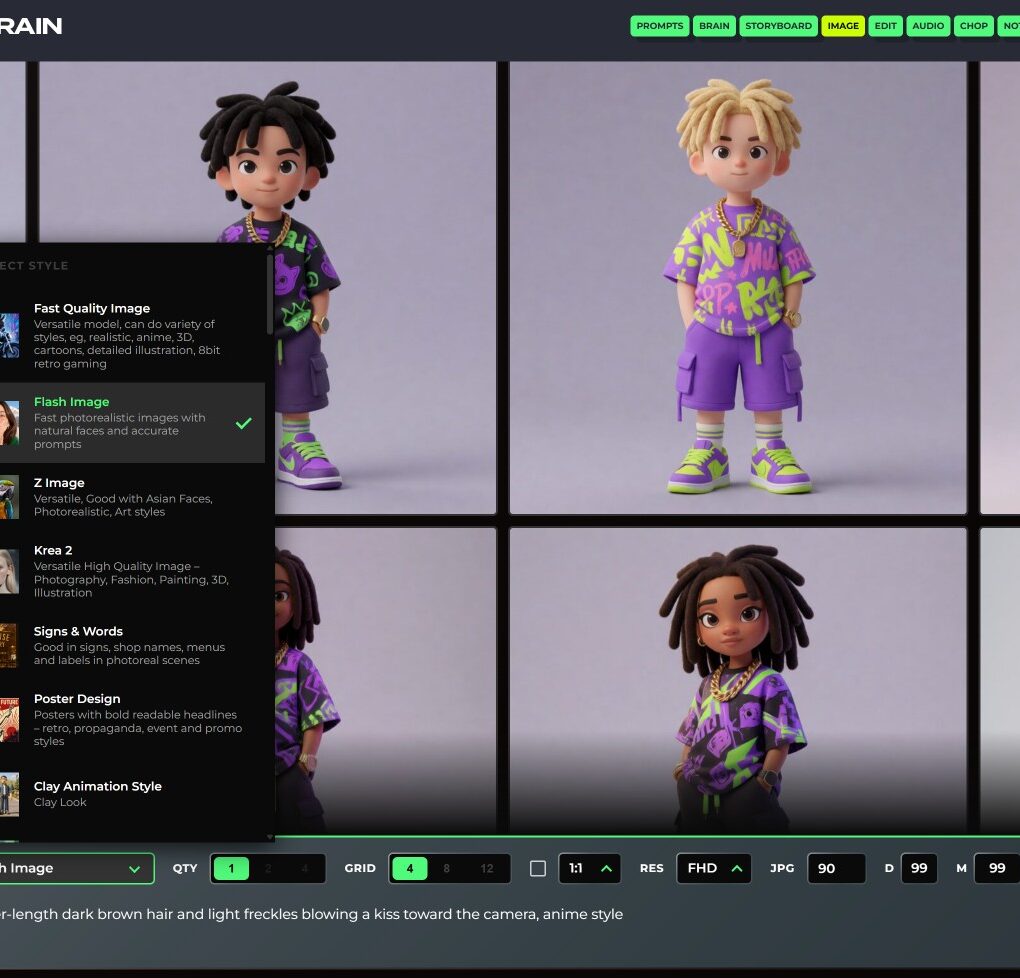
The AI image generator, built for real production use and running on your own server. No usage limits, no data leaving your environment.
Choose from a growing library of preloaded styles curated by Xavier, shaped by over 20 years of advertising experience. Pick from four aspect ratios, HD, FHD or 4K output, and 1, 2 or 4 images at a time. Develop your characters, outfits, props and rooms before you make a single scene.
Image Edit
Change a photo by describing what you want in plain words. Swap clothes, backgrounds, lighting or furniture colours, and the rest of the picture stays the same. A wide range of edit modes, with up to two reference images.
Remove what you don’t want too, for example “Remove the pictures from the walls. Keep everything else the same.” Load new visual styles tailored to specific client briefs or brand guidelines.
Storyboard
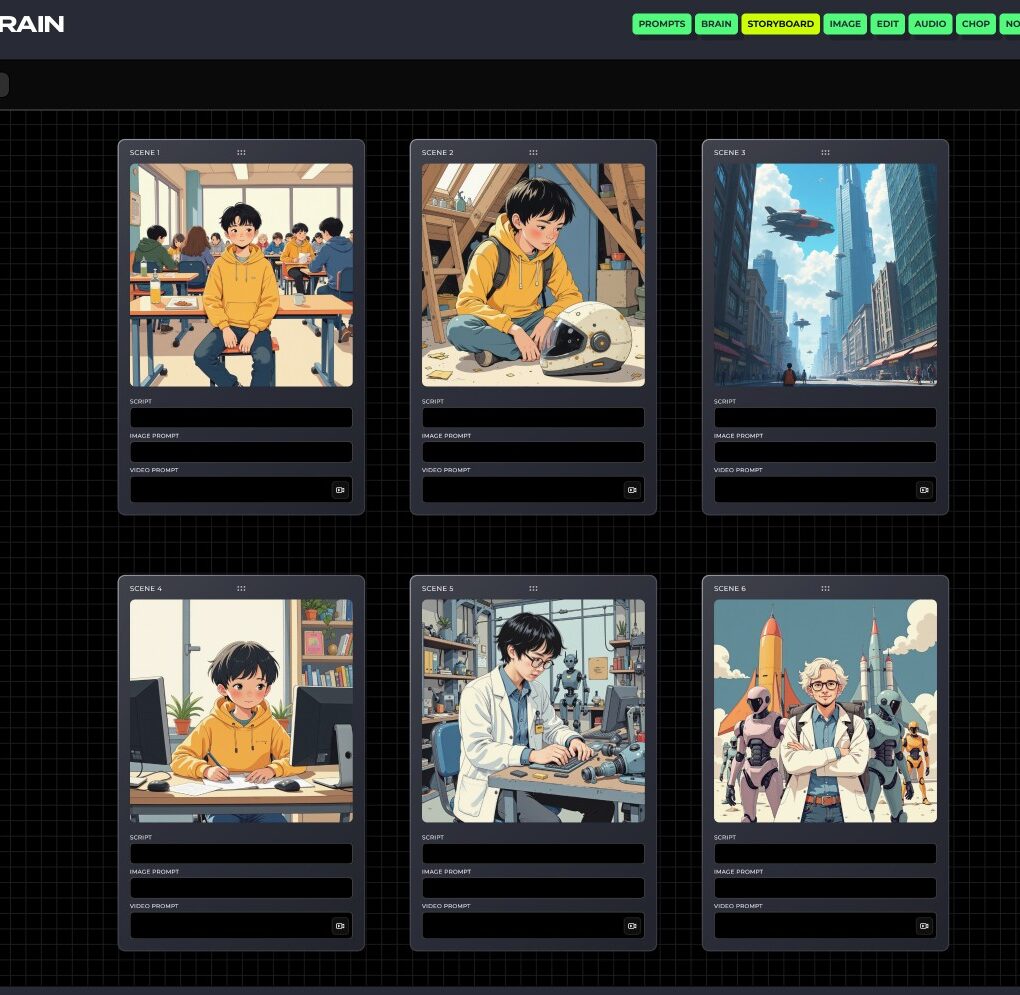
See the whole film before you make it. Storyboard puts every scene on one board, and each scene card holds its script, image prompt and video prompt side by side. Drag scenes into order and rework any card without losing the rest.
Agencies and in-house teams can pitch a concept, plan a social video or build an animatic without leaving the workspace.
Image to Video
Bring each scene to life. Describe the camera move and the acting, and a still becomes a short moving clip with sound. Every clip starts from a frame you have already approved, so the look holds from scene to scene.
Voice & Sound Effects
Turn a script into a natural voiceover. Pick a voice, set the speed and expressiveness, and every take is kept in your history, so nothing gets lost between rounds of feedback.
Sound effects work the same way. Type a sound, for example “footsteps on wet gravel”, and get up to four versions at once. No stock library to dig through.
Chop
A video editor in the browser, built for first-timers. Drop in your clips and voiceover, trim, and add titles. You get a multi-track timeline, animated text, subtitles and colour tools.
Pick your format before you cut. Choose 16:9 widescreen for YouTube, websites and presentations, 9:16 vertical for Reels, Shorts and phone-first stories, or 1:1 square for Instagram and Facebook feeds. Each project is framed for that shape from the start, so titles and subtitles sit where they should and the export is ready to post, with no awkward cropping afterwards.
Together, the tools take one idea all the way to a finished short film: brainstorm in Brain, design the look in Image, fix the details in Image Edit, plan in Storyboard, animate, add voice and sound, then cut it in Chop. Use them together or one by one.
Prompt Manager
A clean, focused tool built to organise, and store prompts.
Every writing, copywriting, sales, marketing, and image prompt lives in one organised system, easy to find and easy to reuse.
Prompts can be grouped by category, tagged by use case, and refined over time as your thinking evolves. No more digging through old chats, no more lost iterations.
Prompt Manager gives teams a single source of truth for the ideas that drive their work, structured, reusable, and always ready when needed.
Notes
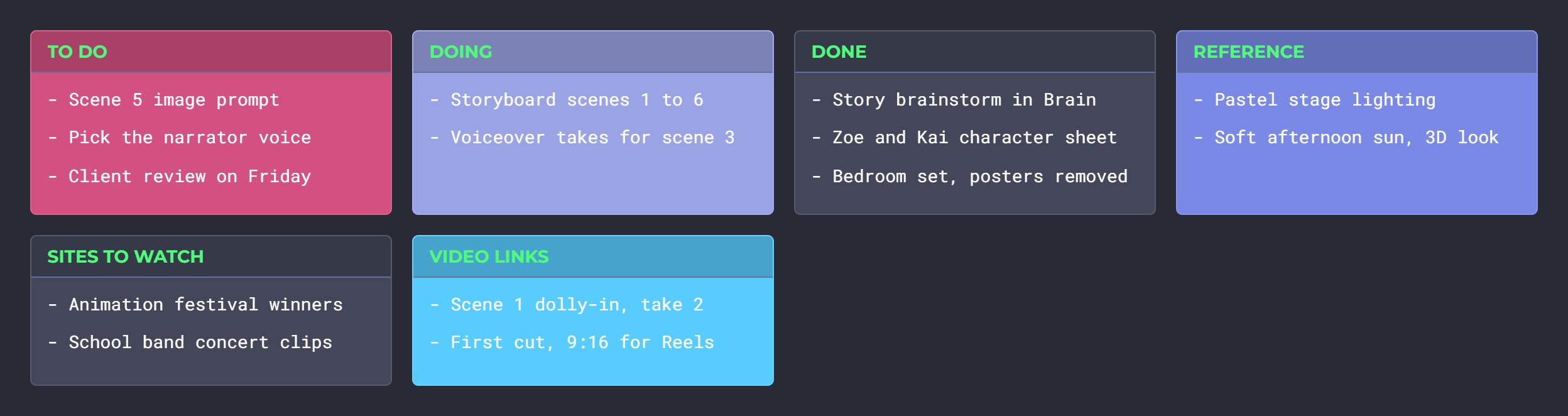
Sticky notes for ideas, to-do lists and prompts in progress, saved to your account and waiting for you the next time you sign in.
MTBrain runs on the private AI server you rent or buy from us, so prompts, references and finished work stay in the building. It forms part of the self-hosted AI stack for Singapore organisations. Besides these tools, the same server also runs Kommento for video commenting and annotation when a cut goes to a client, and Image to 3D for turning your visuals into 3D models, along with the rest of the MT Labs suite.