Inspiration
In Nov 2025, Peter Steinberger launched Openclaw on Github. Hermes Agent by Nous Research was launched soon after. After using both, I decided to build my own ‘Claw’ Agent Harness from scratch, to reduce bloat and features that are unnecessary, and also improve the UX, UI and security hardening.
Natural Language Reasoning Model
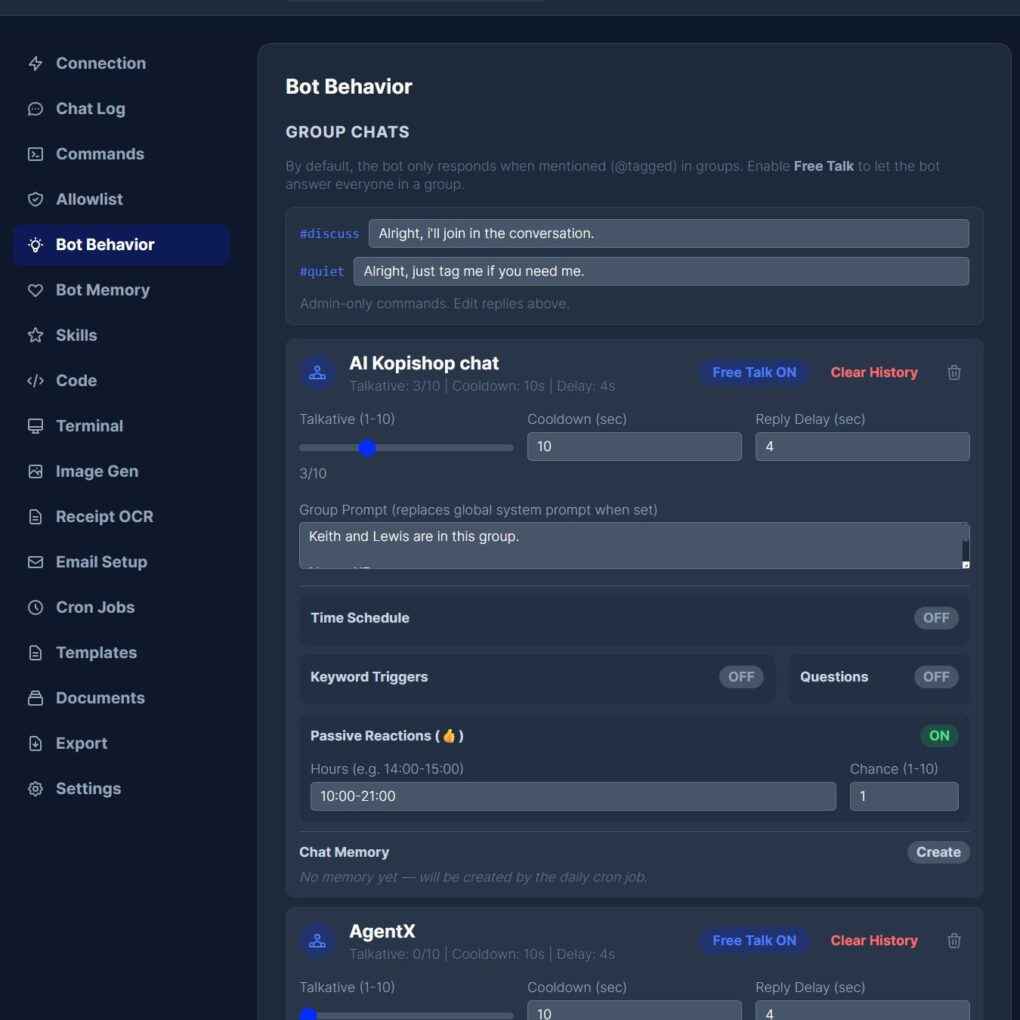
Most businesses already run on WhatsApp. The assistant meets your team and your customers exactly where they are. It holds context across a conversation, addresses each person by name, and follows the tone and rules you set. Configure a global personality, then adjust it per contact or per group when the situation calls for something different. It feels like a person because it is designed to behave like one.
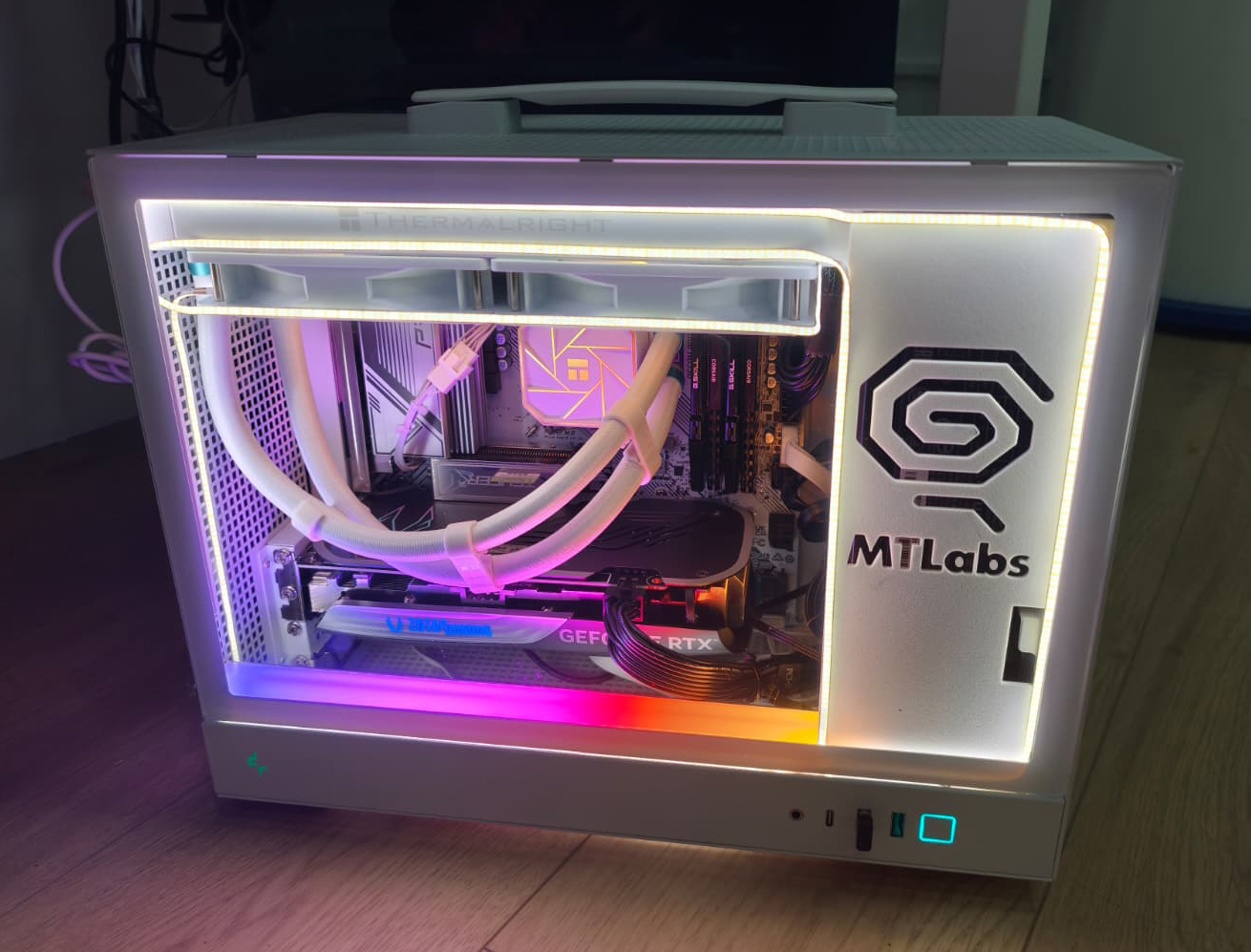
Runs on local LLM for full privacy.
Self Improving Memory
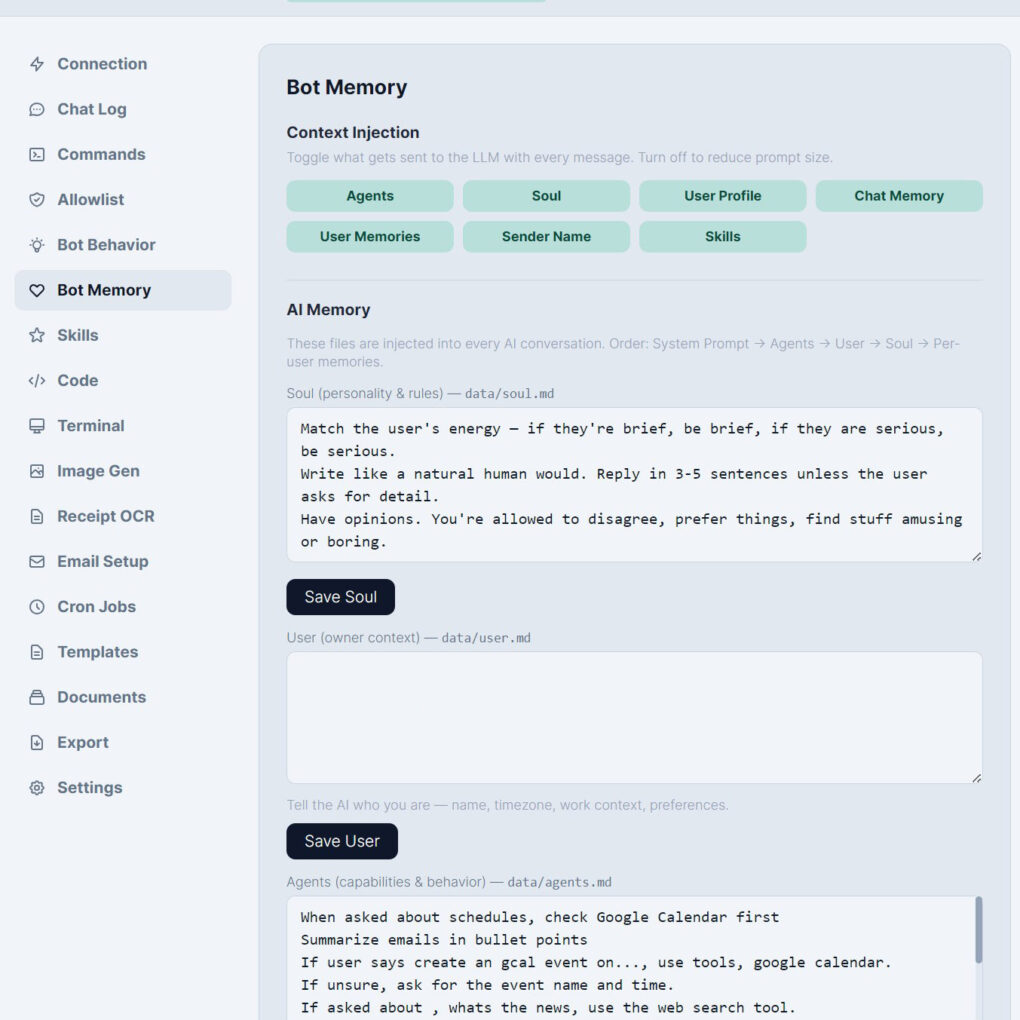
The assistant pays attention. It picks up names, preferences, and details automatically during conversation and builds a profile for each contact over time. You can review, edit, or clear these records from the dashboard at any point. You also define a personality file that shapes how the assistant thinks, what it knows about your business, and how it represents you.
The longer it runs, the more useful it becomes.
Knowledge Base
Upload your product guides, FAQs, price lists, or any internal documents, and the assistant will reference them accurately when answering questions. No manual retrieval, no copy-pasting. Add files from the dashboard or send them directly over WhatsApp.
Your team stops repeating themselves. Your customers get answers faster.
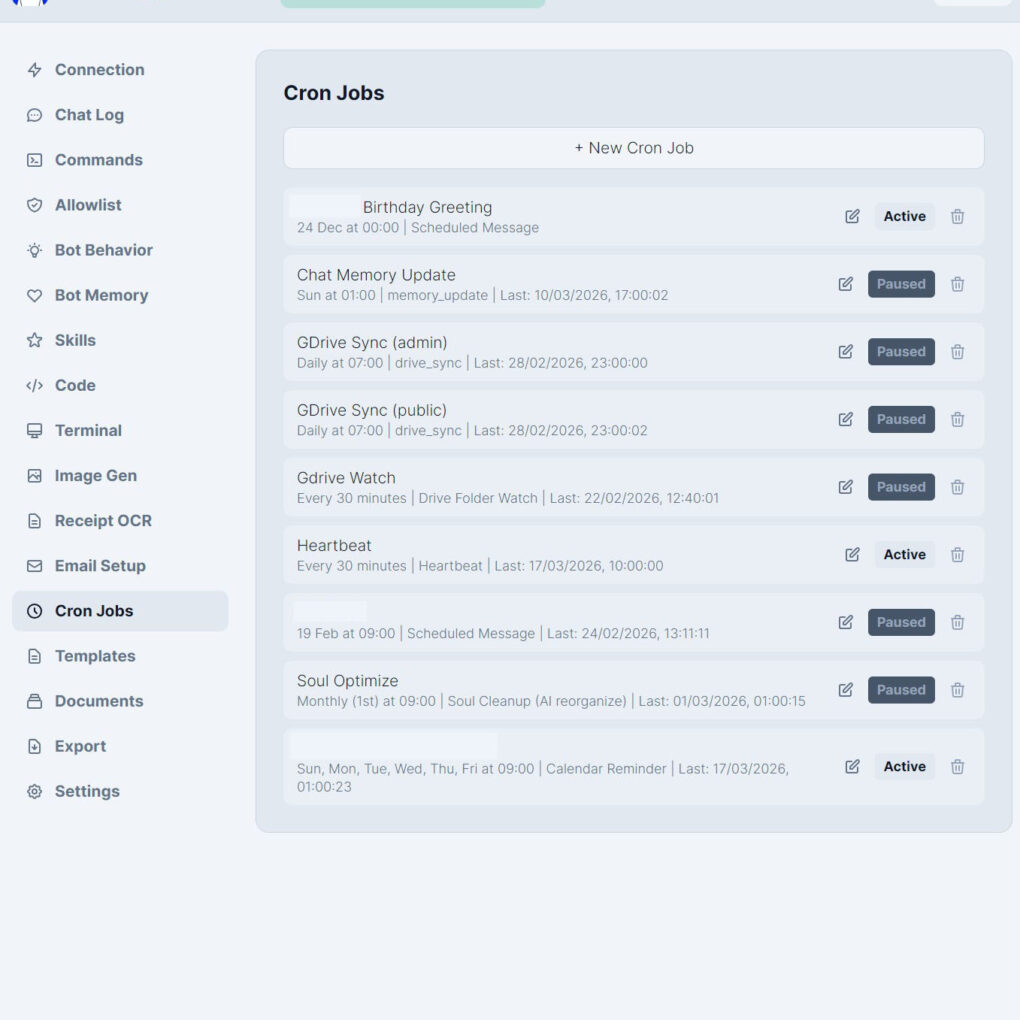
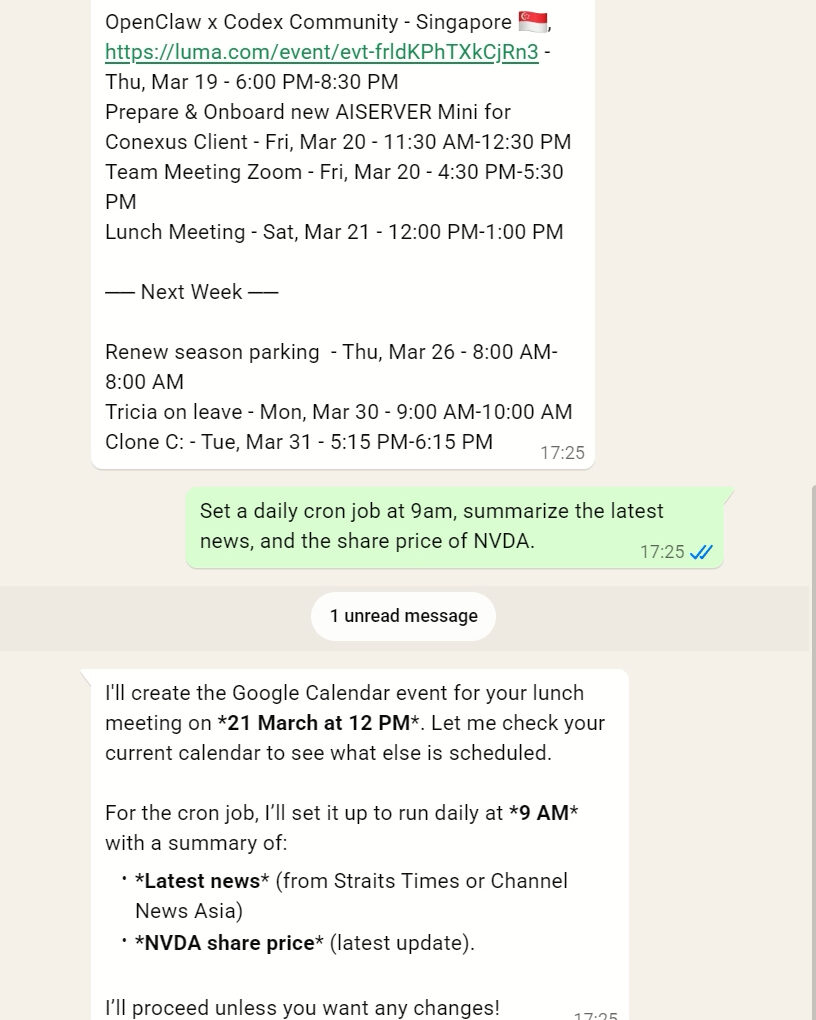
Scheduling and Automation
Vision and Voice (Speech to Text)
Snap a photo of a visual style you love and ask the assistant to replicate it. A colour palette, a lighting mood, a composition.
It reads the image and translates what it sees into a prompt you can use to generate something new.
Talk to WhatsApp whenever something comes to mind, on a commute, between meetings, at midnight.
Everything gets transcribed into text automatically. At the end of the day, ask the assistant to email you a clean summary of everything you said. Nothing lost, nothing forgotten, no notes app to dig through later.
AI Image Generation
Generate images directly from WhatsApp using ComfyUI on your local hardware. No subscription, no usage caps, no images leaving your office. Describe what you need in plain language and it delivers. When you are happy with the result, ask the assistant to email it to whoever needs it.
For marketing teams, product teams, or anyone who needs visuals without the wait.
Receipt OCR
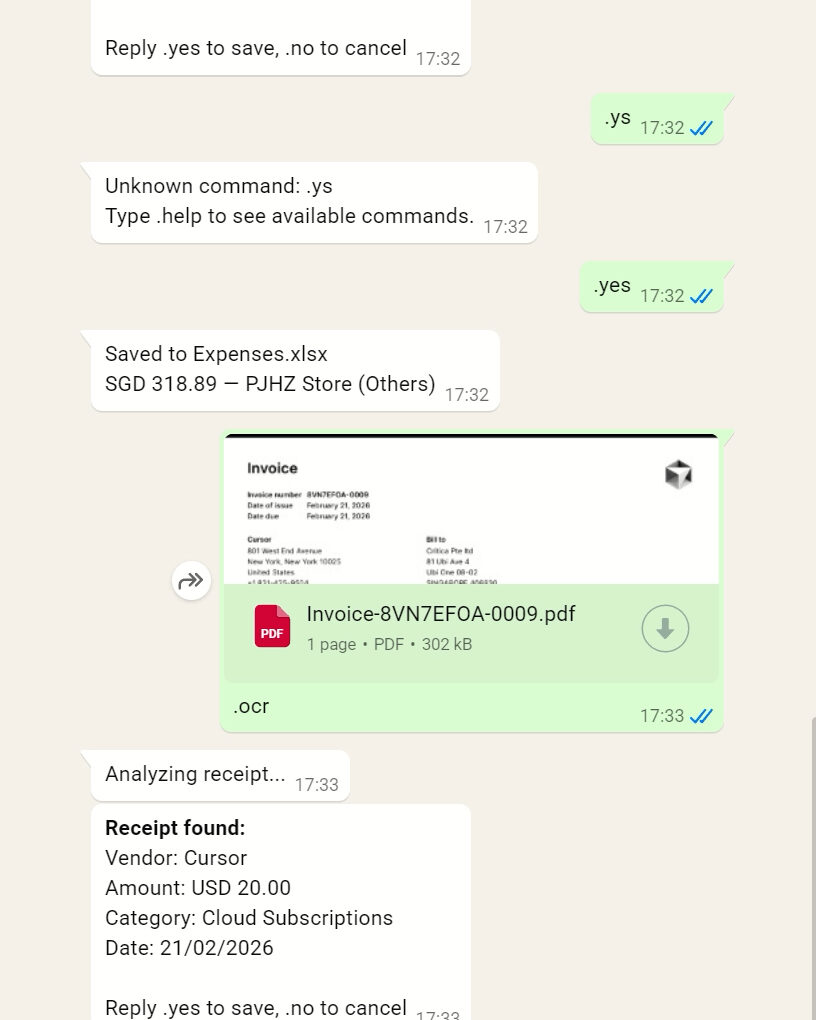
Photograph a receipt or invoice and the assistant extracts the expense data and writes it to a chosen spreadsheet.
A task that used to take minutes per receipt now takes seconds. For businesses handling high volumes of expenses, the time savings compound quickly.
Google Integration
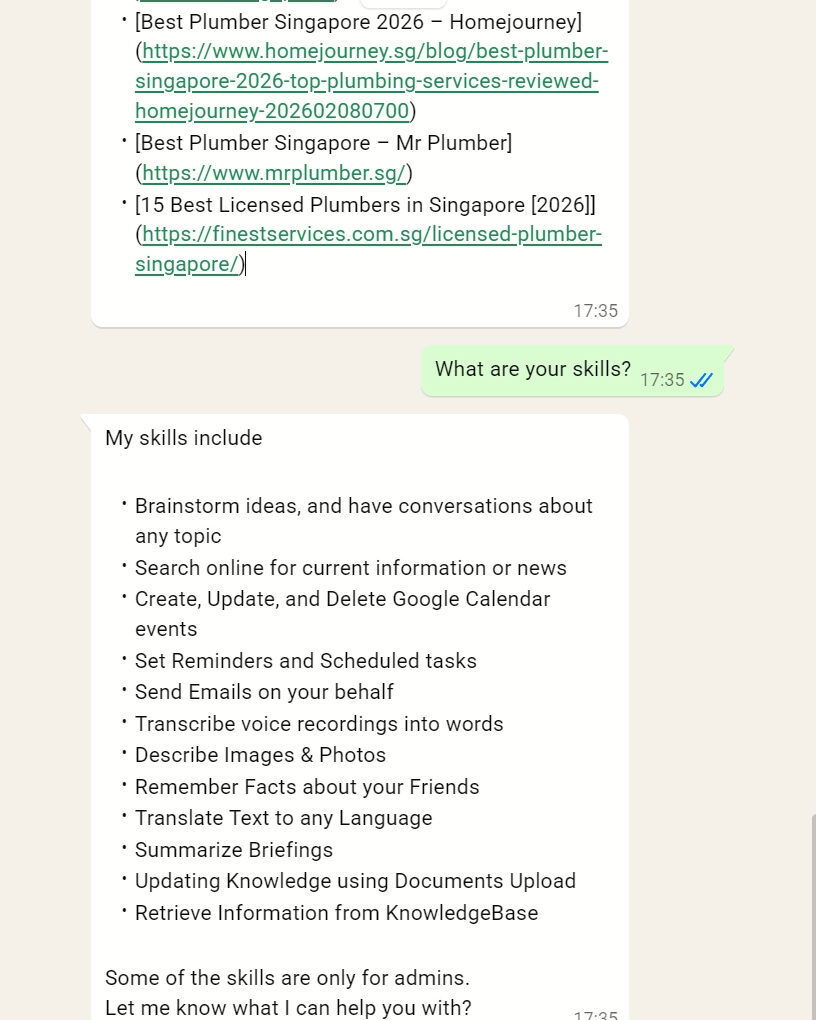
Your Google Calendar, GMail, Drive in your Workspace, accessible from WhatsApp in plain language.
Create and update events, read and send emails, and get notified when new files arrive in a folder.
For business owners and teams who live between meetings and messages, it removes the friction of switching between apps.
Remote Terminal and Claude Code API
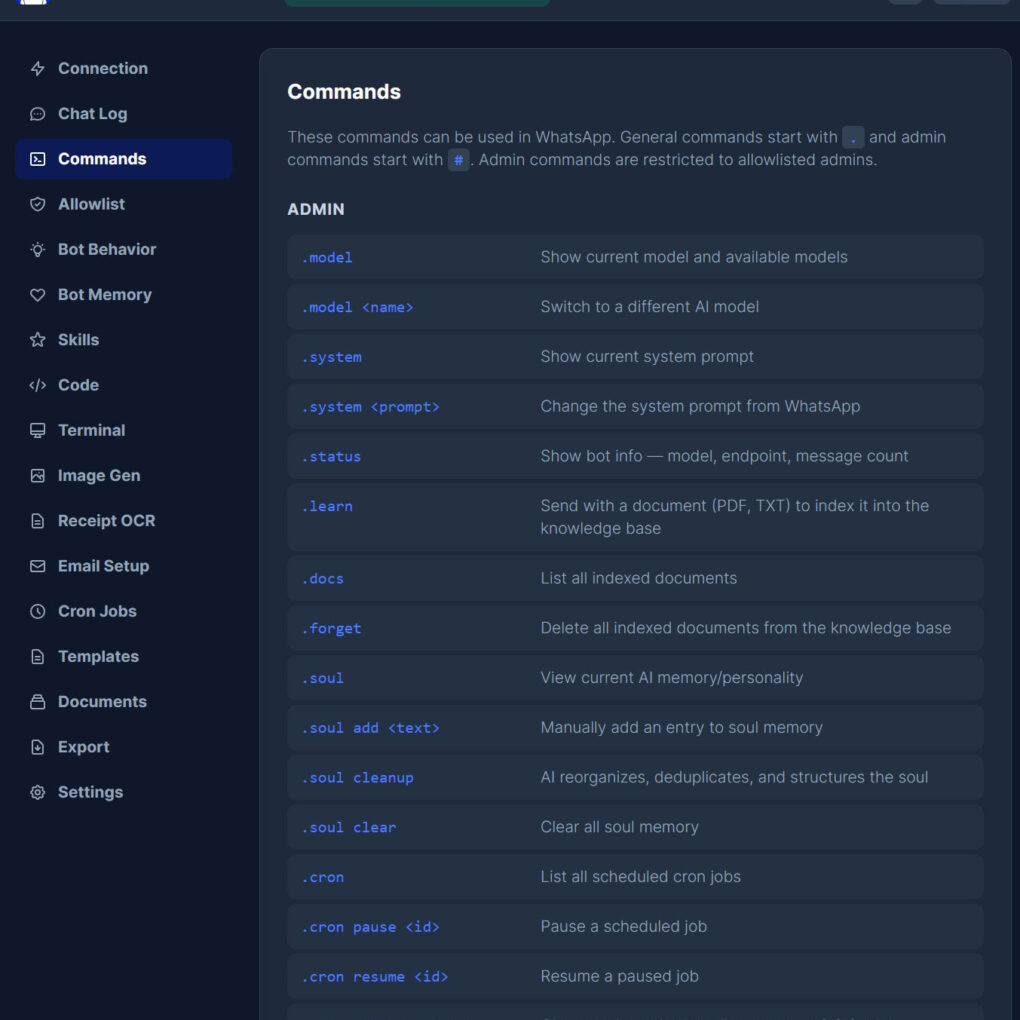
Run PC system commands and check on office IT infrastructure directly from WhatsApp, without being at a desk. The assistant has an option to connect to OpenAI or Anthropic API, running parallel agents, coding, creating websites, apps while you are on the go.
By the time you are back at your desk, the work is done.
Teammates
Team Mates are independent, email-driven AI assistants that work alongside your bot. Each one is a “person” with its own real email address, inbox credentials, AI model, personality, and contact list, so you can spin up specialists like a scheduling assistant, a research aide, or a customer-support persona.
Team Mates remember each person they talk to, run their own scheduled tasks (like weekly digests), and share your Google Calendar and Drive giving you a small AI team that handles email autonomously, around the clock.
Security
Admin commands are restricted to owner only. Allowlist-only access means unknown contacts cannot reach it. Immune to prompt injection attacks, so hackers cannot hijack the assistant’s behaviour by embedding hidden instructions in a message.
The dashboard is password-protected. 5 failed attempts from the same IP address triggers a 15-minute lockout. During lockout, that IP cannot attempt to log in at all.
When someone fails a login attempt, the dashboard sends an email to the admin, enabling immediate review and investigation.
Contact us to request for a live demo.
Agent Kenzo runs on a private AI server you rent or buy from us, so conversations, documents and voice notes never leave your own infrastructure. For the wider picture of what agents can take on across a Singapore business, see AI agents for Singapore businesses. Teams running more than one assistant usually pair it with AgentsCommand.