Features
A Mission Control where every Task is an AI agent that researches, writes, and publishes your content.
ContentMachine turns content production into a dashboard you can watch. Drop in a topic, a URL, or a schedule, and an agent picks it up, does the research, writes the draft, and parks the card in front of you when it needs a decision.
Most AI writing tools give you a chat box and a blank page. ContentMachine gives you a pipeline. Each task is a persistent agent session with its own model, its own site context, and its own memory, running on your machine, connecting to your WordPress sites, on your schedule. You see the work happen, you approve what publishes, and nothing goes live behind your back.
Overview
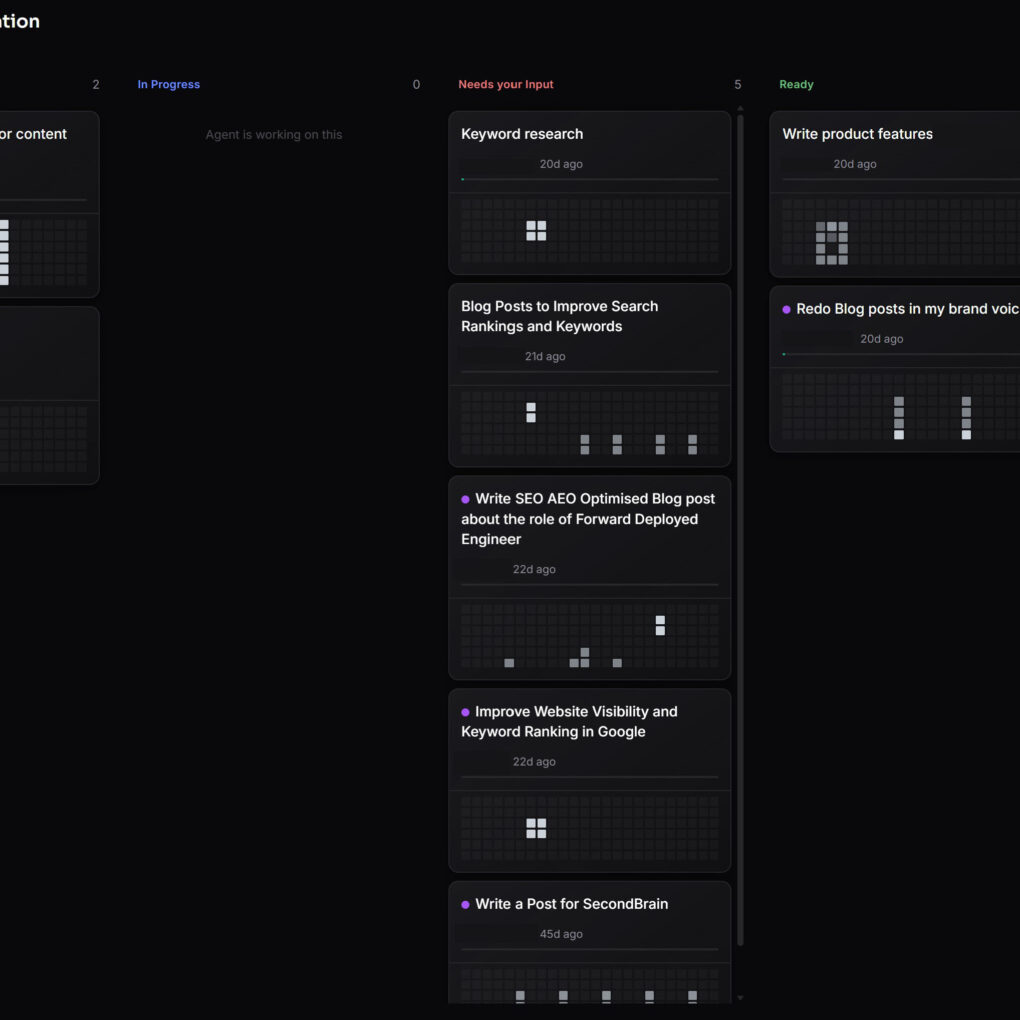
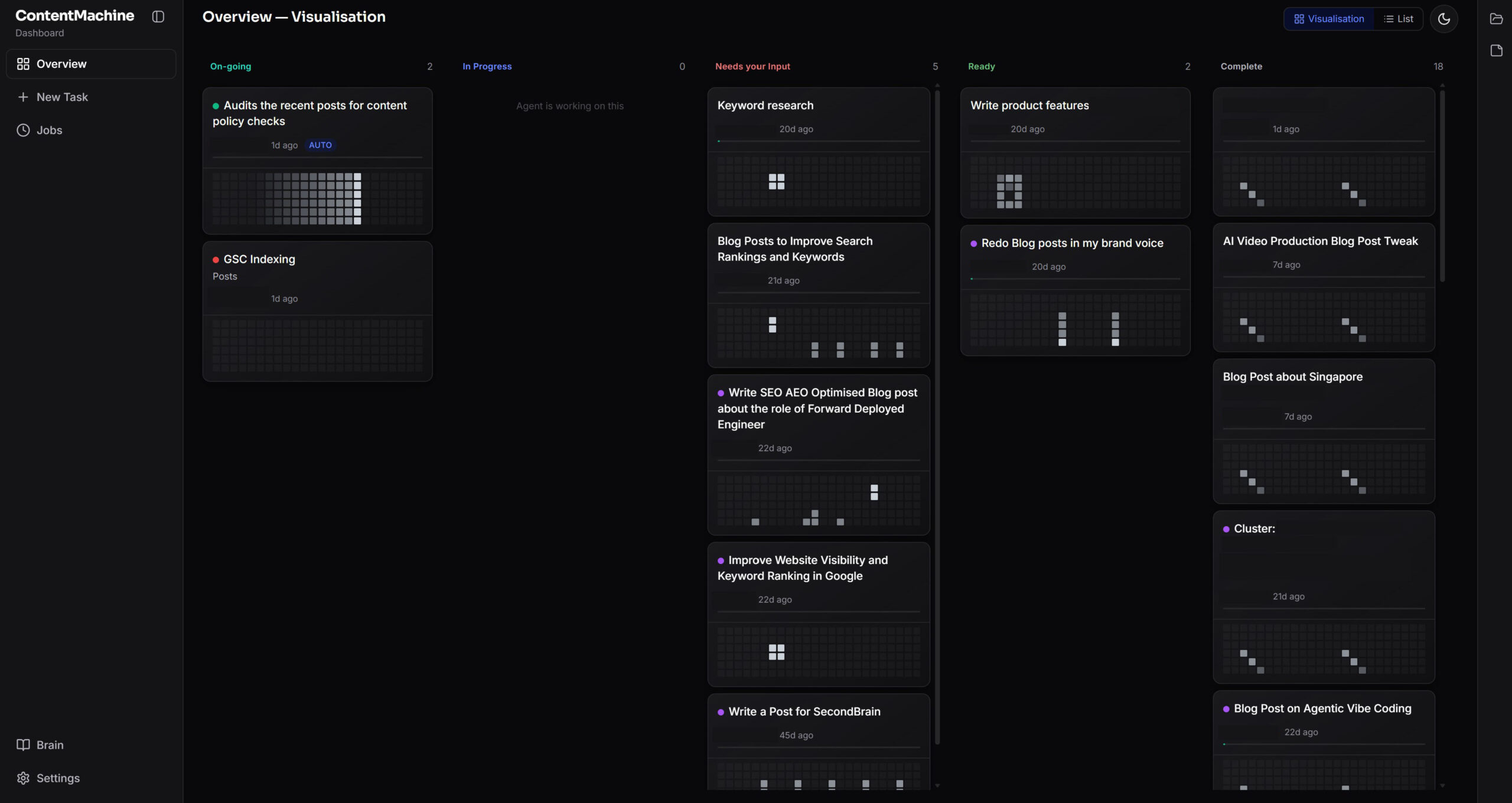
Five columns, left to right: On-going, In Progress, Needs your Input, Ready, and Complete. Cards move themselves as the work progresses, and you can drag them anywhere you want.
- Long-running background jobs sit in On-going, so they never clutter your active work.
- Cards that hit a question park in Needs your Input, which becomes your to-do list.
- Finished drafts land in Ready, and published work moves itself to Complete.
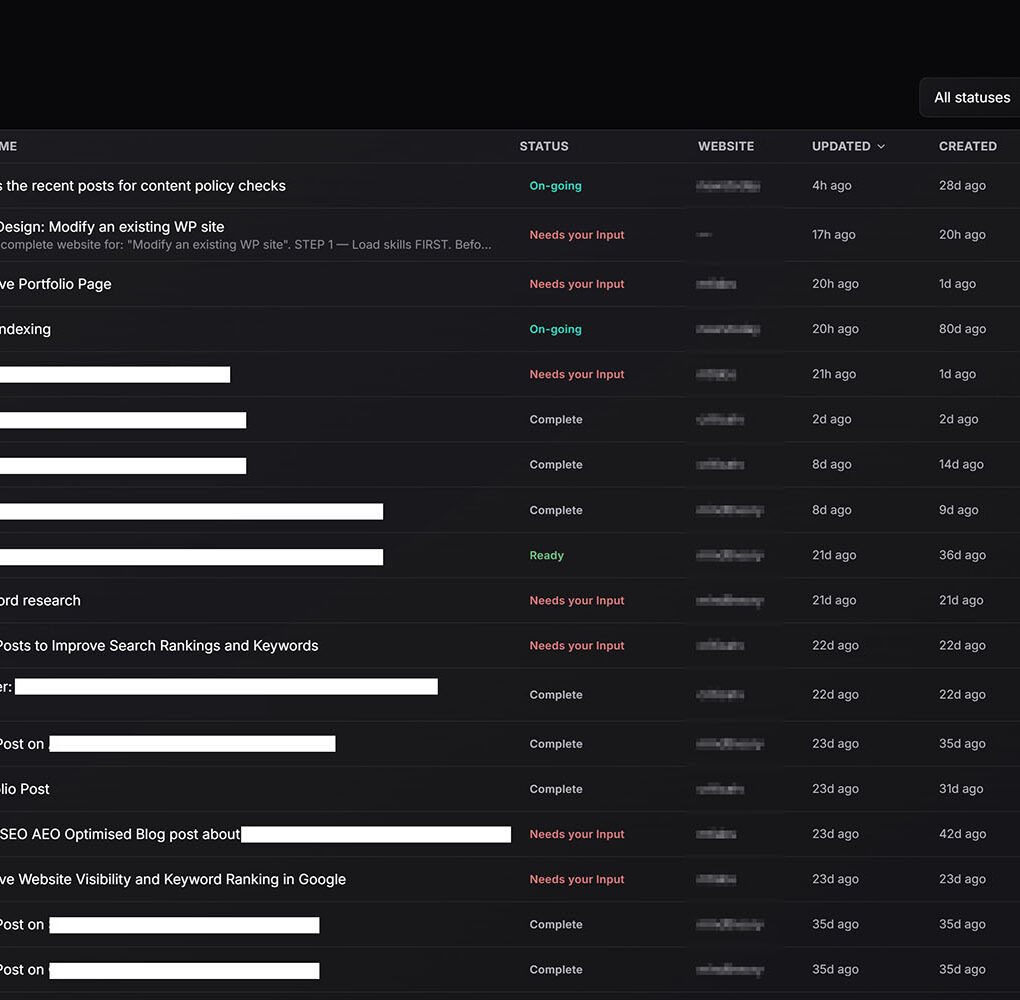
- Switch between the visual board and a dense List view whenever you want the whole pipeline on one screen.
- Colour-code cards by website, so you always know which brand a task belongs to.
Watch the Agent work, in real time
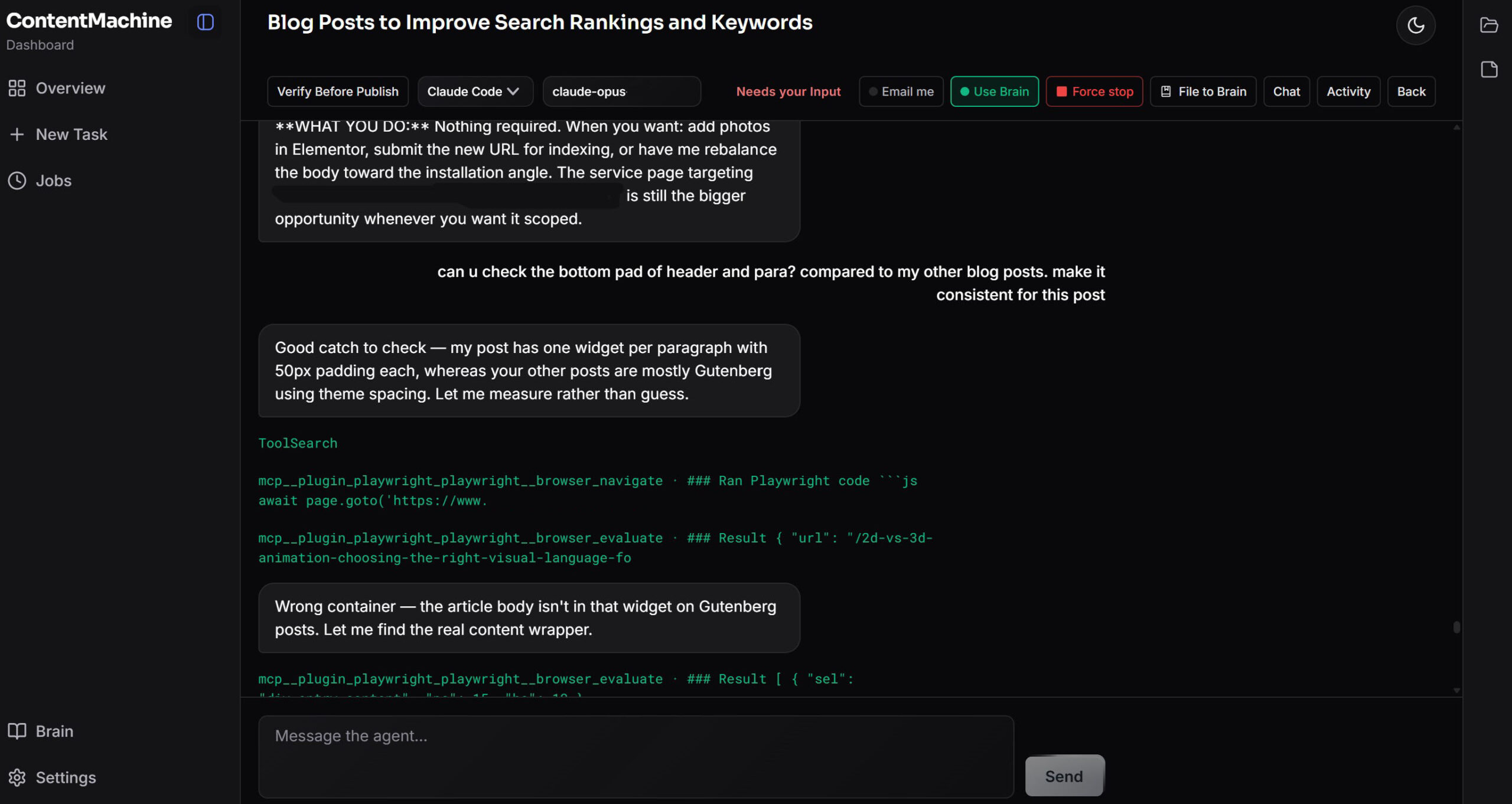
Open a Task and you get the full session: streaming text, the agent’s reasoning, and a pill for every tool call, from files read to commands run to pages fetched.
Messages you send mid-run are queued and fire in order as each turn ends, so there are no busy errors. Force-stop any run from the card header, and a context meter shows how full the session’s context window is before it becomes a problem.
Task Types
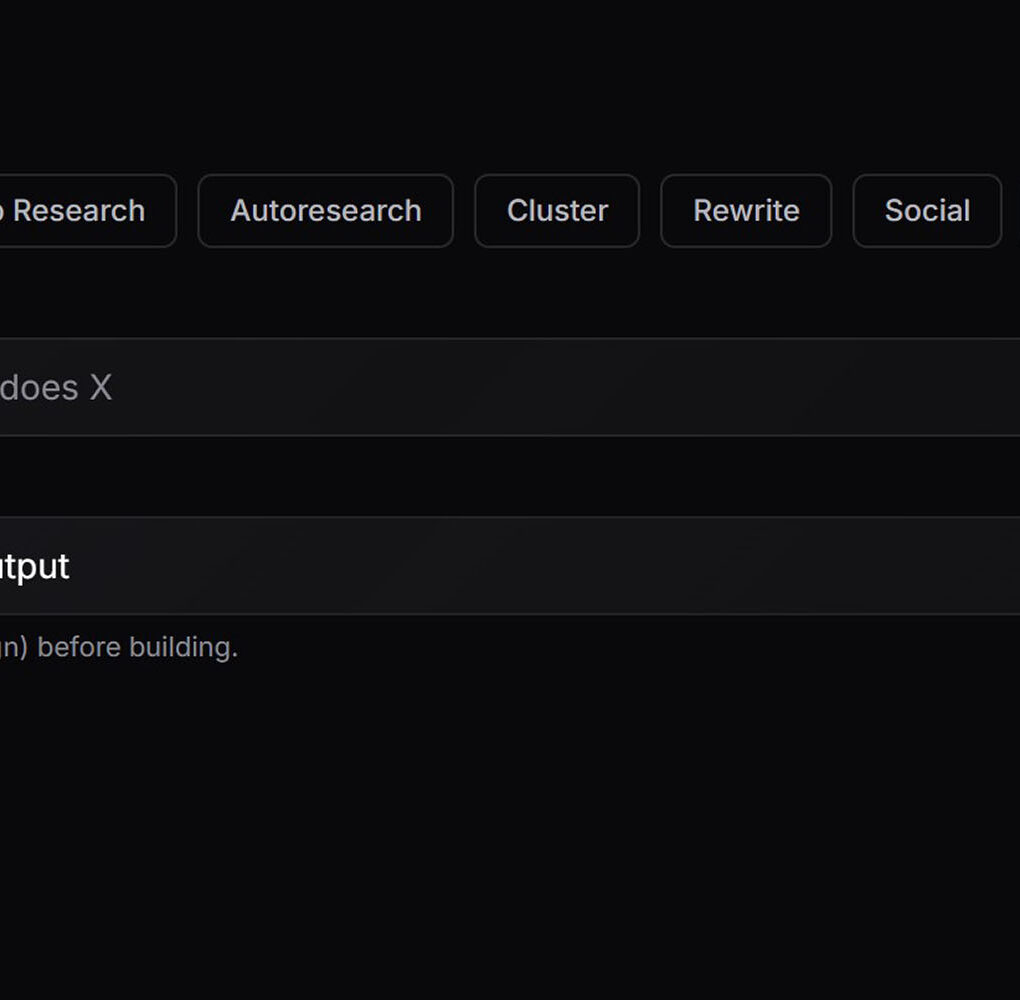
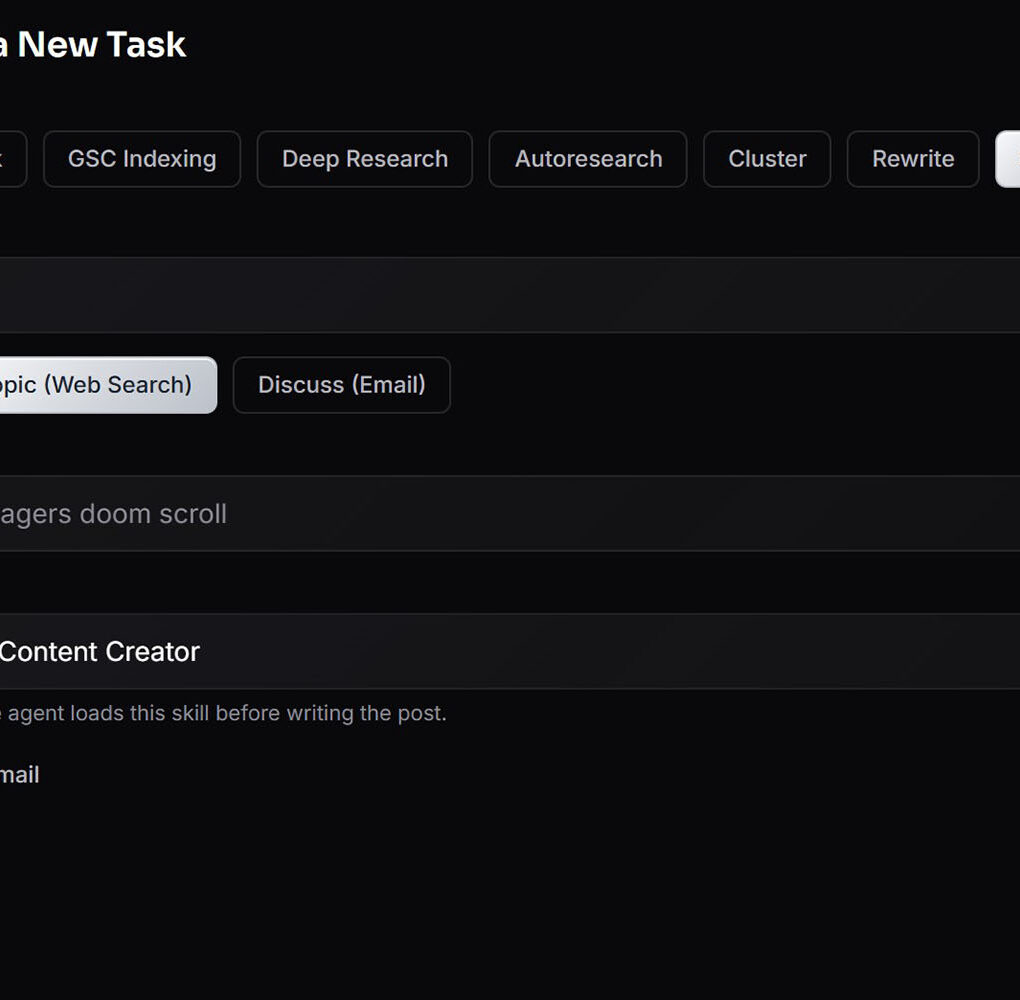
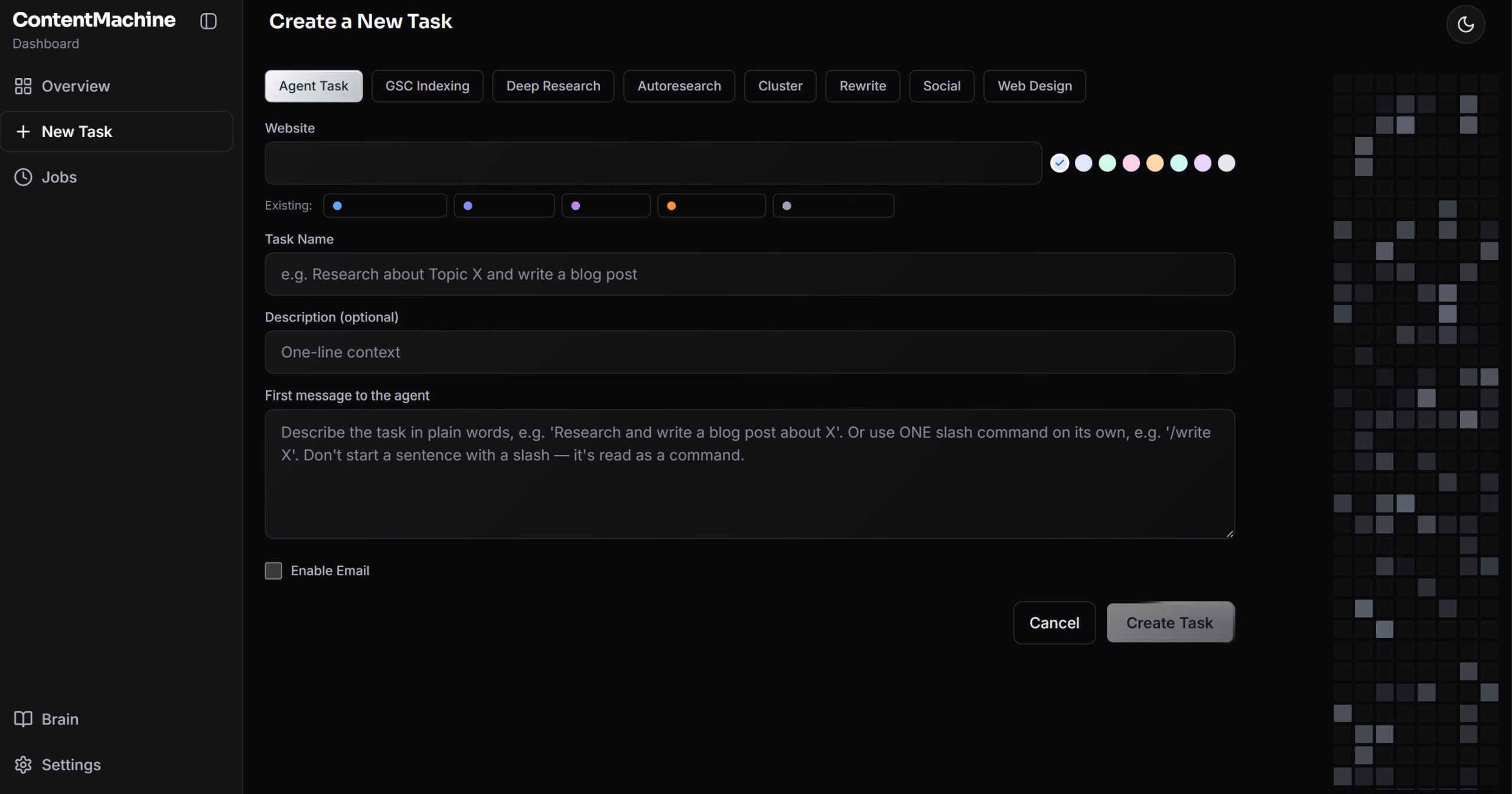
Pick a task type, fill in one or two fields, and hit create.
- Agent Task: a free-form session driven by natural language or any of your slash commands.
- Deep Research: an email-driven research and write loop you run without opening the app.
- Autoresearch: an iterative research loop that files everything into your knowledge base as linked notes.
- Cluster: builds a full topic cluster, pillar, supporting articles, and internal linking map, then publishes each post as a WordPress draft.
- Rewrite: takes a live URL or finds candidates on the web, rewrites it stronger, and publishes the result as a draft.
- Social: turns an article, a topic, or an email conversation into a LinkedIn post in your voice.
- Web Design: runs a design discovery session, then builds a complete, self-contained website as real files.
- GSC Indexing: bulk-submits your posts and pages to Google for indexing.
Cluster, Social, and Web Design tasks can load a specialist skill before they start, from content strategy to programmatic SEO to copywriting, and the agent works to it throughout.
Publishing
Connect each site once with its base URL, username, and application password, and agents publish to it directly through the REST API, complete with Yoast SEO fields. Drafts by default, live only when you say so.
Miss a credential and the card does not fail silently. It parks in Needs your Input with the exact fields to fill, and resumes itself the moment you save them. Give each website a Post Footer, your sign-off, your footer CTA, and your logo, and a finishing pass guarantees every draft ends with that exact block.
Store multiple LinkedIn accounts, each with its own token and associated sites, and publish to the right one straight from the same board. When an agent publishes, the card moves itself to Complete.
Human approvals
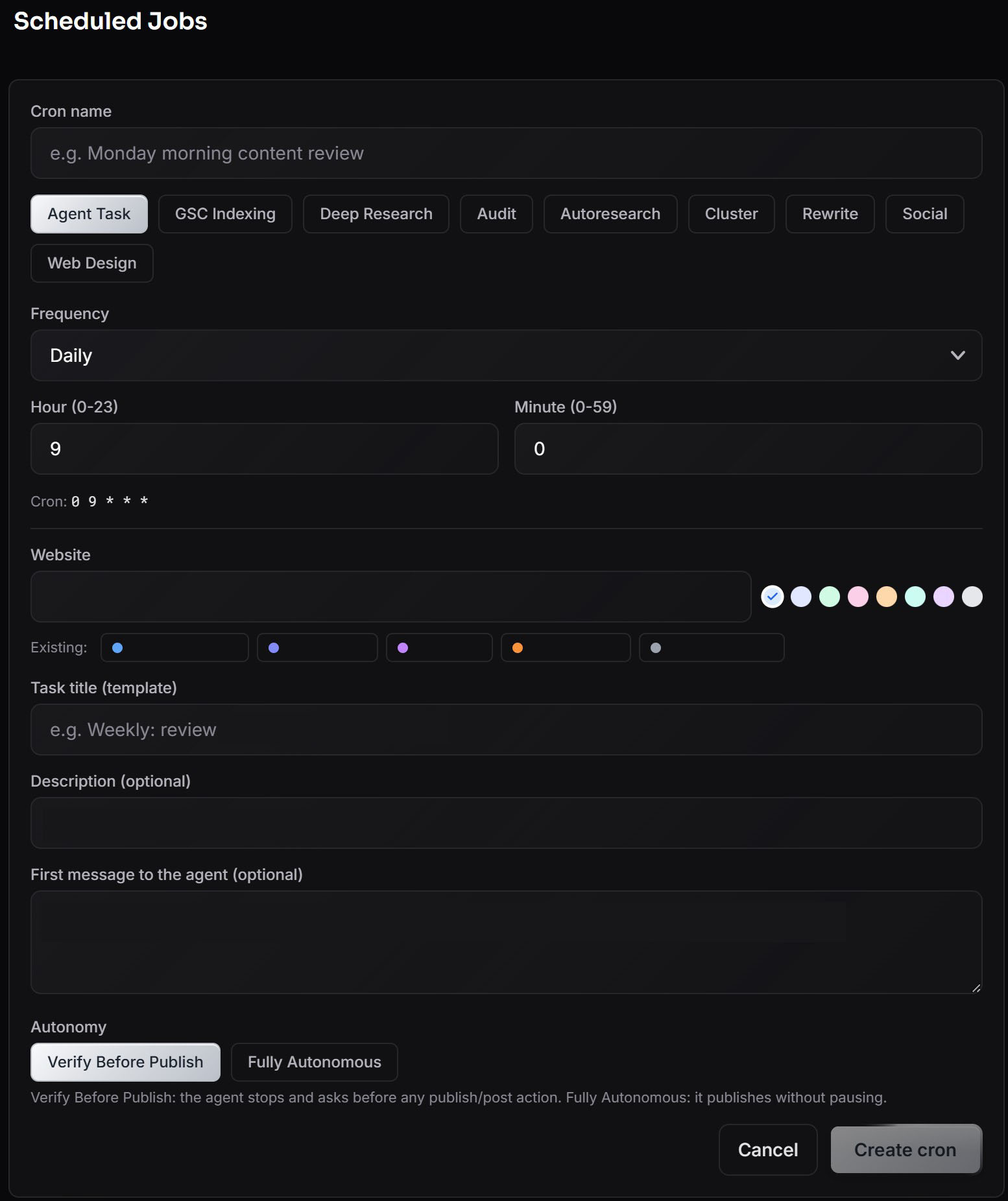
Every card runs in one of two modes, switchable per card. Verify Before Publish stops the agent before anything that publishes, posts, or pushes, and asks first. Fully Autonomous is there for work you trust end to end.
When an agent needs sign-off, an Approve or Deny pill appears inline in the chat, with no typing and no re-explaining. A backstop watches anyway: risky actions are classified as they stream out of the agent, so anything that slips past the approval flow raises a flagged audit entry on the card rather than surprising you on your live site.
Automation
A full cron page runs any task type on any schedule. Enable, disable, pin, and set a minimum interval so a job cannot fire twice in a week even if the schedule says otherwise. Recurring audits reuse one persistent card and start a clean session each run, so quality never degrades over a growing transcript.
Idle agents are asked for a status report on a schedule you control, and the card moves itself to Needs your Input or Ready so a stalled task surfaces on its own. Google Search Console bulk indexing runs for days, sleeps when the daily quota is hit, and picks up exactly where it left off, even across app restarts.
Run it from your inbox
Configure your mailbox, and the agent emails you progress.Ā Reply to that email and the agent continues, your reply dropping straight into the task chat as the next instruction.
Deep Research by email sends back a few article angles, you pick one, and the finished draft arrives as an attachment. Social discussions work the same way, a genuine back-and-forth on topic, hook, and call to action until you approve.
The Brain
An Obsidian+Andrej Karpathy style wiki lives inside the app, with wiki links, automatic backlinks, full-text search, and in-app editing. Toggle the Brain on for a task and the agent gets your accumulated context injected into its session, with a marker on the card when it has consulted it.
One button files a finished task’s findings back into the Brain, so the next task starts smarter than the last.
Bring your own model
Point ContentMachine at any OpenAI-compatible endpoint, run locally or served from a hosted API, alongside the built-in Claude Code integration. Fetch the model list from the provider with one click, and test the connection before you save.
Choose the provider and model per task. Run lightweight local models for bulk rewrites and a frontier model for the work that matters. The Claude Code provider unlocks the full workspace: every slash command, every specialist sub-agent, and every context file you have written. Plug in your preferred Web Search endpoint such as Serper or Brave, and agents can research live pages and ground their drafts in current facts.
Self hosted
Local-first by design. A SQLite database, your files, and your API keys, with nothing sent to a platform in the middle. A login gate sits in front of the whole dashboard, with IP and failed logins sent to your email.
Browse and edit anything in the workspace from a sidebar, and watch files flash the instant an agent writes to them. Light and dark mode, a resizable and collapsible sidebar, and a responsive layout that is viewable on a tablet.Ā Autostart and self healing.
ContentMachine is built for teams publishing at volume, which is why it sits alongside our web design, SEO and AEO work. It runs on the same private AI server as the rest of the suite, and the agents behind it follow the patterns described in AI agents for Singapore businesses.
Contact us to see a demo of ContentMachine.
FAQ
Do I need to know how to code?
No. You create tasks from a form and answer questions in plain English, in the app or by email.
Will it publish something without asking?
Not by default. Every card ships in Verify Before Publish mode, and the approval pill is one click. Fully Autonomous is opt-in, per card.
Where does my content live?
On your machine and in your WordPress. The database is a local file.
Can I use my own AI models?
Yes. Any OpenAI-compatible endpoint, including fully local models via LM Studio, selectable per task.
How many sites can I run?
As many as you like. Each site keeps its own credentials, its own colour, and its own post footer.
What if I close the app mid-job?
Long-running jobs like GSC indexing reattach and continue after a restart.


