

Tech worker monitors code in dimly lit server room with glowing racks

How Singapore Businesses Can Leverage AI-Powered IT Support Without Losing Control

The AI Advantage for IT Support Teams

AI-powered IT support in Singapore combines automated triage, predictive maintenance and agent-assisted helpdesk with human technicians for edge cases. For most SMEs, this means 30-50 percent of routine tickets resolved automatically, faster response times and no loss of control because the AI runs on your infrastructure, not a vendor’s cloud.

AI is no longer a futuristic buzzword; it’s an operational necessity. From predictive maintenance to automated ticket triage, intelligent agents streamline support workflows and free up human technicians for higher‑value tasks. In the Singapore context, where local data residency regulations are tightening, businesses need solutions that keep analytics on premises.

If you’re exploring how AI agents could fit into your business operations, we’ve put together a practical overview of how AI agents work and where they add real value. These agents can analyze log files, detect anomalies in real time and even suggest configuration changes before downtime occurs.

Key benefits of deploying AI for IT support include:

  • 24/7 monitoring that scales with business growth
  • Reduced mean time to resolution through automated diagnostics
  • Proactive patch management across Windows environments

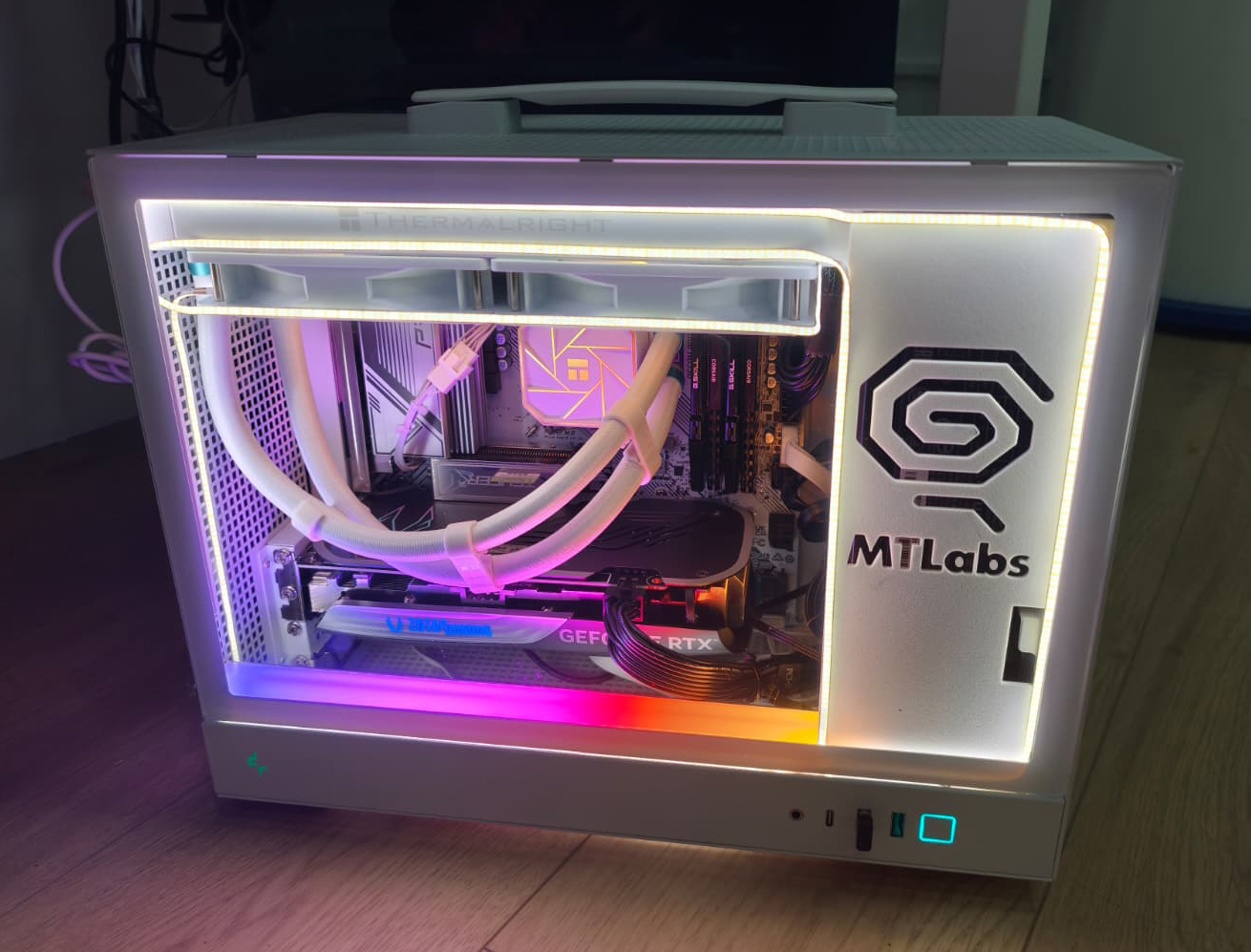
The integration process starts with a local server hosting the AI engine. This ensures that all sensitive data stays within Singapore’s borders, satisfying compliance requirements for sectors such as finance and healthcare.

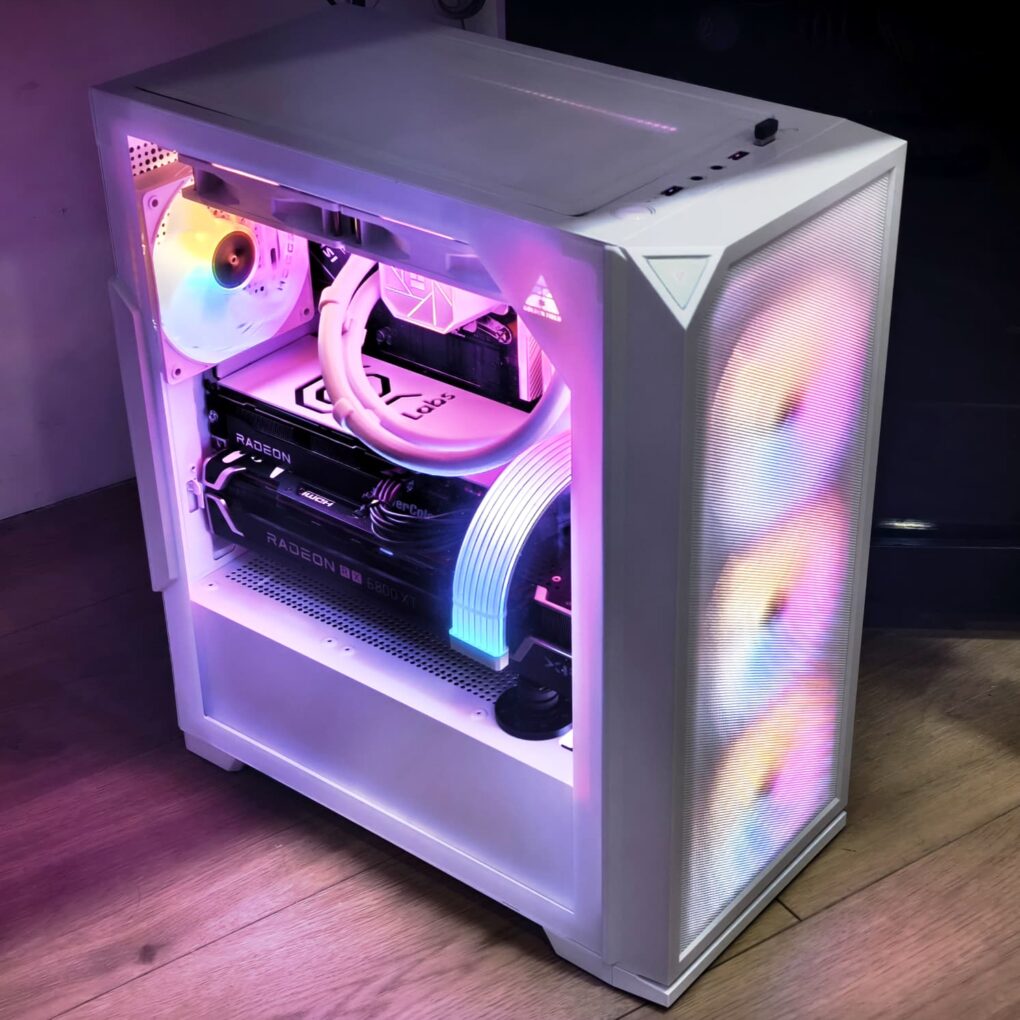
Modern white PC with RGB lighting and MT Labs branding on side panel

Why Open‑Source AI Models Matter for Local Infrastructure

Open‑source models provide flexibility and transparency, qualities essential for businesses that want to avoid vendor lock‑in. By leveraging community‑maintained frameworks, IT teams can fine‑tune algorithms to match their unique support scenarios.

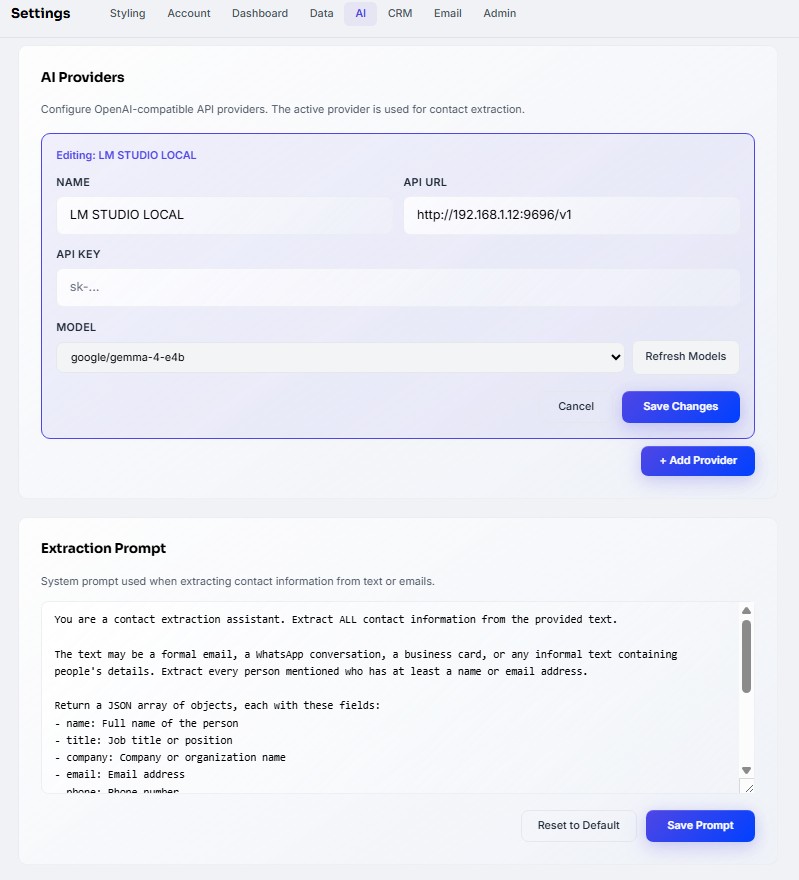
Here’s why open-source AI models matter for companies that want control over their own infrastructure. These models can be deployed on a Windows Server 2022 environment, allowing seamless integration with existing Active Directory and Group Policy configurations.

When you host the model locally:

  • You maintain full visibility of data flows
  • You avoid recurring cloud subscription fees
  • You can customize feature sets to match your support SLA requirements

Singapore businesses are increasingly asking where their data actually goes when they use AI. Locally hosted AI answers that question simply: it stays with you, on your own hardware, under your full control.

Building a Resilient Local Server Ecosystem

A well‑architected local server not only supports AI workloads but also ensures business continuity during network outages or cloud service disruptions. By clustering Windows servers and implementing redundant power supplies, companies can achieve near‑zero downtime.

Essential features of a resilient local server setup include:

  • High‑availability clusters for critical services
  • Automated backup solutions with offsite replication
  • Integrated monitoring dashboards that feed into AI agents

The synergy between AI, robust Windows infrastructure and a dedicated local server creates an ecosystem where IT support is proactive rather than reactive. As the Singapore market evolves, businesses that adopt this approach will not only stay compliant but also gain a competitive edge through faster incident resolution and lower total cost of ownership

Summary

Singapore’s IT landscape demands solutions that balance innovation with control. By combining AI agents, open‑source models and a local Windows server foundation, businesses can achieve scalable, secure and cost‑effective support operations. The result is a future‑proof infrastructure that keeps data on premises while delivering the intelligence required to stay ahead in a fast‑moving market.

MT Labs helps companies across Singapore deploy AI tools they actually own. Private infrastructure, no recurring cloud subscriptions and a setup built around how your team already works. Whether you’re exploring your first AI use case or consolidating scattered tools into one system, we’ll walk you through it. Get in touch and let’s figure out what makes sense for your business.

Blue background with white icon resembling a speech bubble with a checkmark

Frequently Asked Questions

What does AI-powered IT support actually do?

Automated ticket triage (routes issues to the right technician), password reset and account unlock self-service, predictive alerts before a server fails, AI assistants that help human techs resolve faster and monitoring across endpoints and network. The human tech still handles judgment calls and escalations.

Does using AI for IT support mean my data leaves Singapore?

Not if it is set up correctly. We deploy AI support agents on local or Singapore-region infrastructure, so ticket content, logs and credentials stay within compliant boundaries. This is the model most regulated clients require.

Will AI replace our IT team?

No. It shifts the team from reactive ticket-chasing to strategic work. Teams that adopt AI support report higher retention of their best techs because they get to work on projects instead of resetting passwords. Headcount planning changes, but skilled people stay valuable.

How quickly can we deploy AI-powered IT support?

A baseline rollout (triage, self-service, monitoring) takes 2-4 weeks. More advanced capabilities (predictive maintenance, AI-assisted resolution) add another 4-8 weeks. Full maturity comes over 3-6 months as the system learns your environment.

What does it cost compared to traditional IT support?

Per-user monthly cost is usually 10-20 percent higher than traditional managed IT, but ticket volume drops 30-50 percent and response time improves significantly. Net-net most SMEs break even or save money within 6-9 months.

Can AI-powered IT support work with our existing tools?

Yes. Modern AI support layers sit alongside existing ticketing (Jira, Freshdesk, ServiceNow), endpoint management (Intune, Kaseya) and directory services (Azure AD, Google Workspace). We avoid rip-and-replace unless the existing stack is actively hurting you.

Chat with AI

Hello! I'm MTLabs AI, How can I help you today?