

FAQ
What is MTCloud?
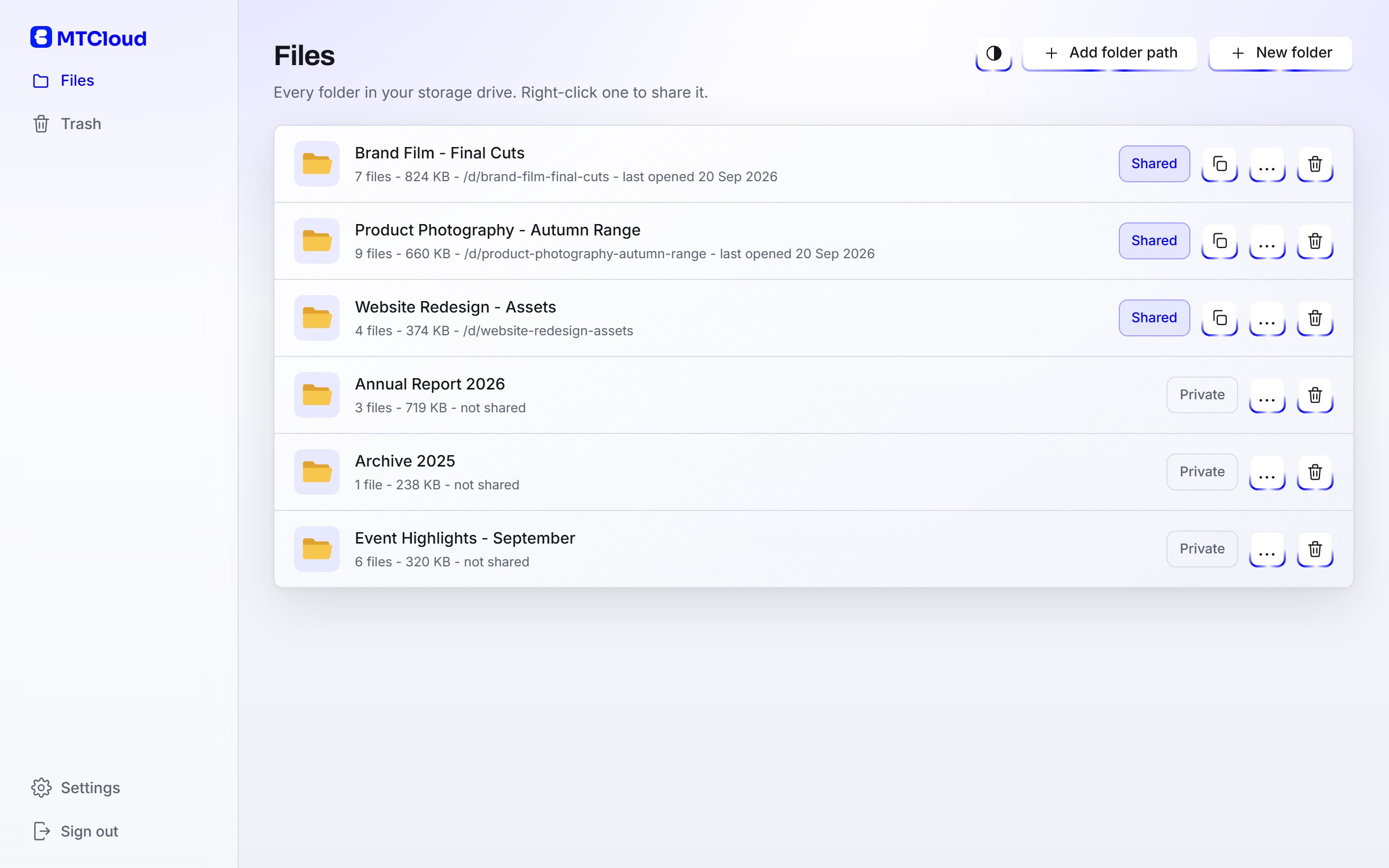
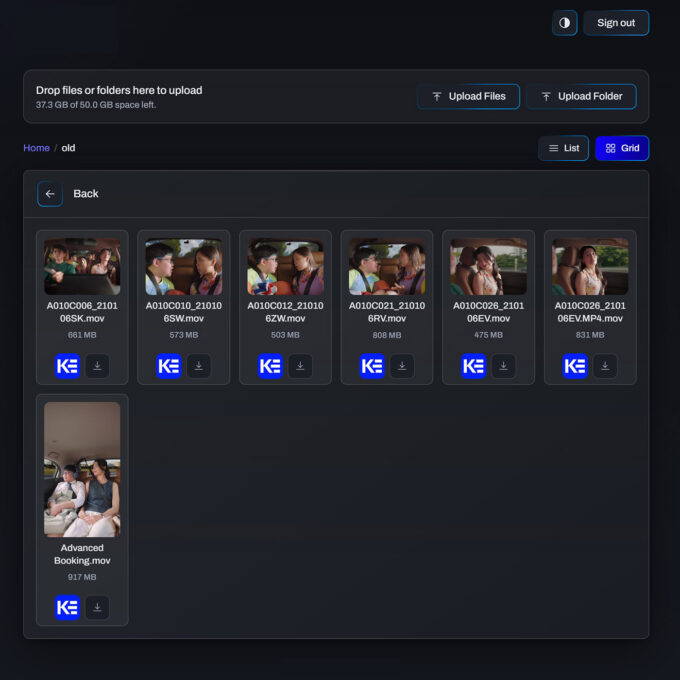
MTCloud is a private cloud on your own server. Your working folders sync between the PCs you own, any folder can become a client delivery with its own link and password, and clients download from a page carrying your brand. Nothing is uploaded to the usual cloud services, there is no per-user plan, and there are no client accounts to manage.
Do my clients need an account to download files?
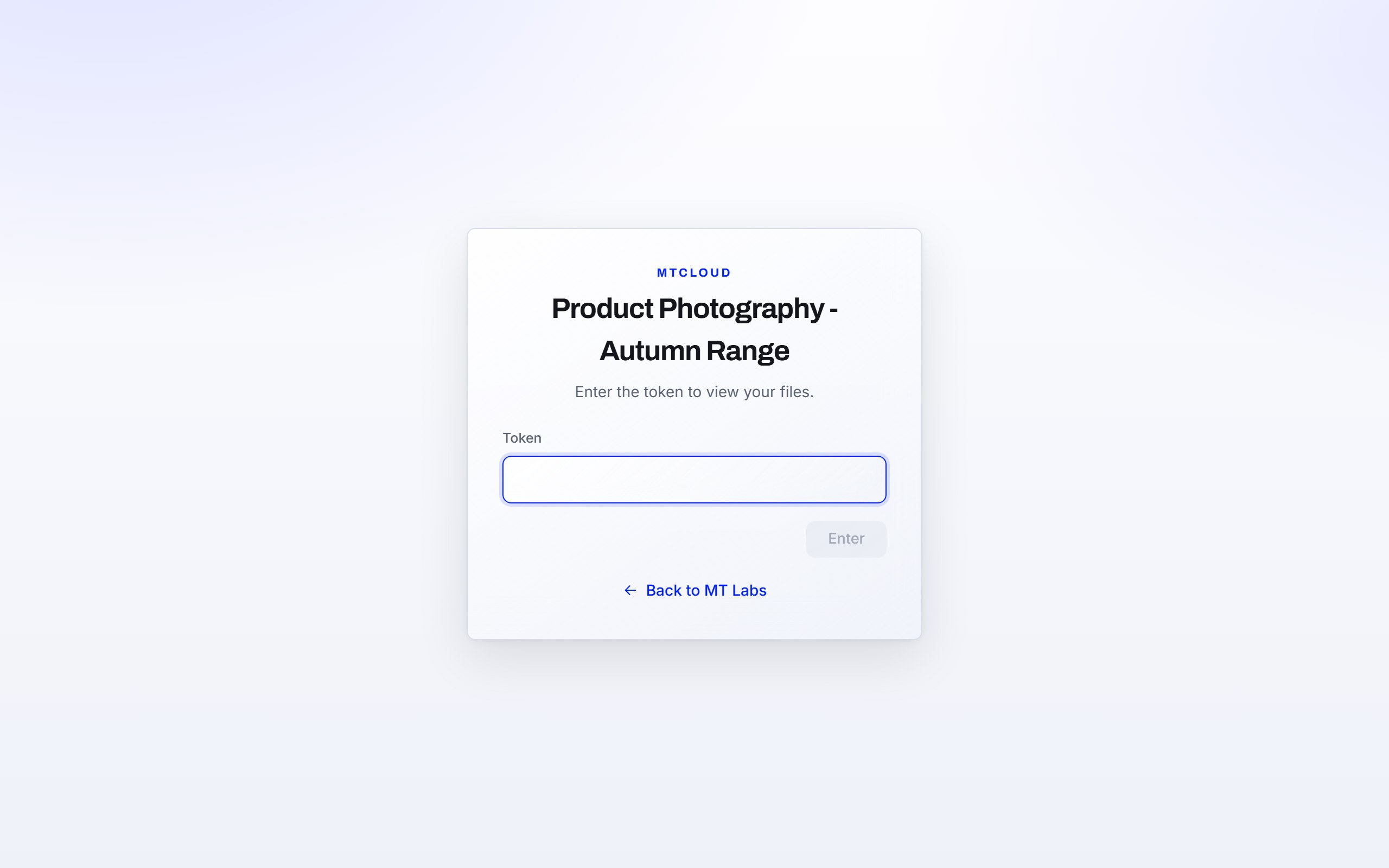
No. You send a link and a password, and that is all they need. There is nothing to sign up for and nothing to forget. If you switch on Kommento, the built-in video review and annotation tool, an email address is only needed by the people you want to comment.
What happens when I add files after I have shared a folder?
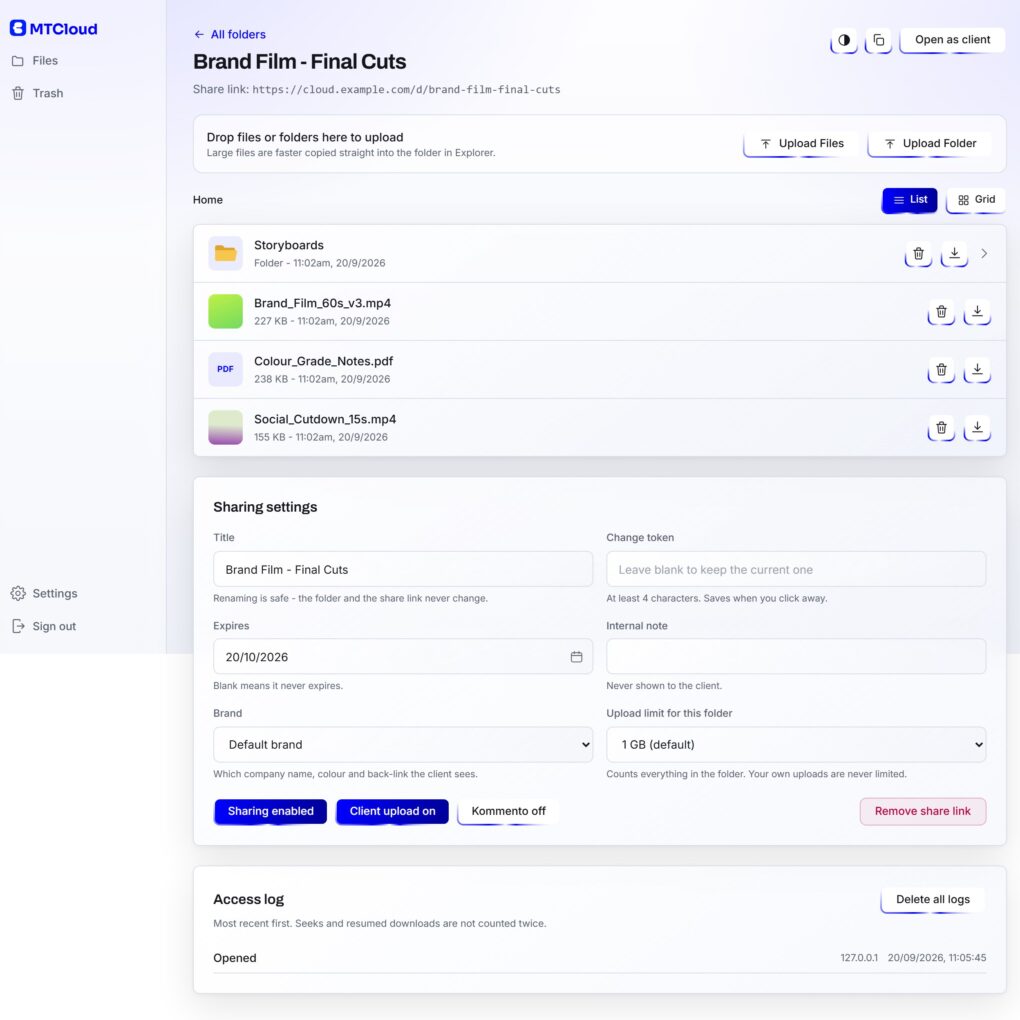
They appear on the client's page the next time it loads. Sharing is per folder, so everything inside is shared, including subfolders and anything added later, and you never re-share. Delete a file and it disappears just as quickly.
Can clients send files back to me?
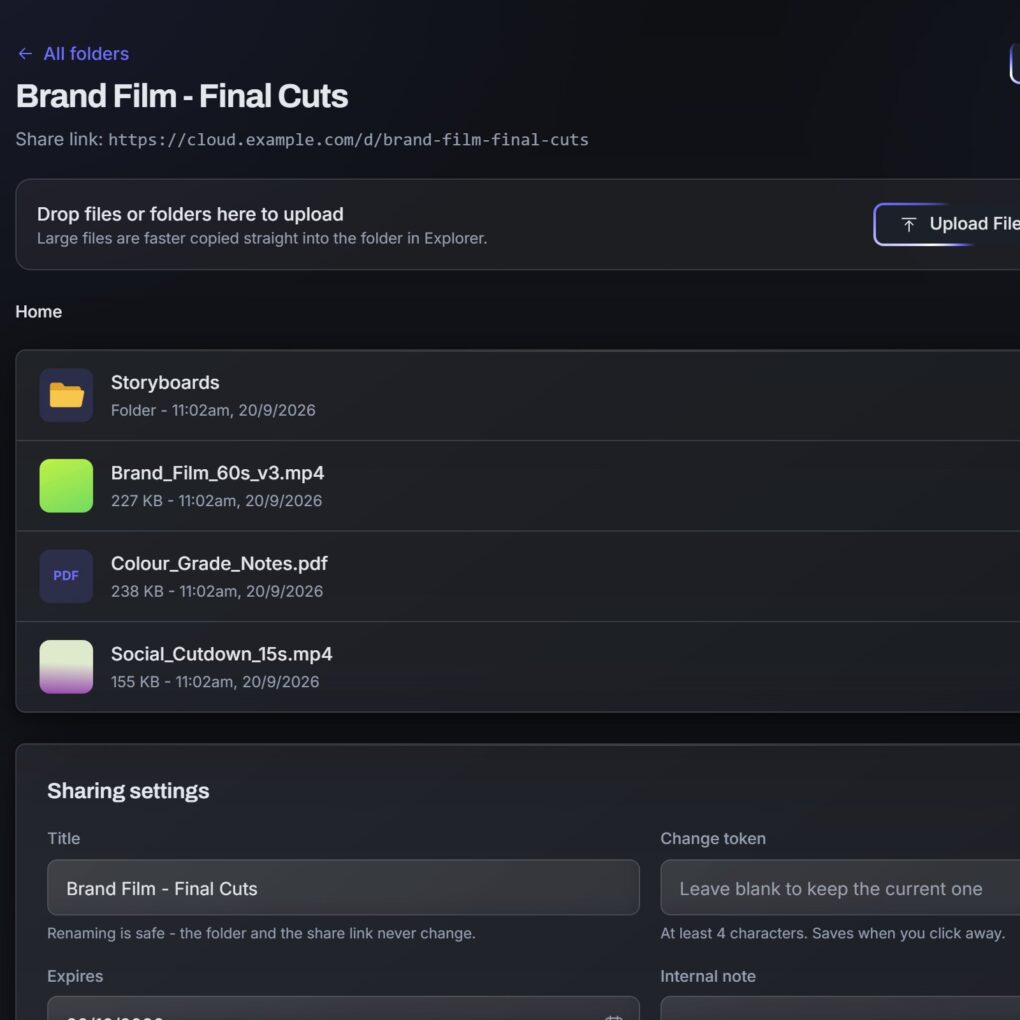
Yes. Turn on client upload for a delivery and clients can drag and drop files into the same folder from their browser, with a progress bar. It is off by default and switched on one folder at a time.
Can clients review and annotate videos?
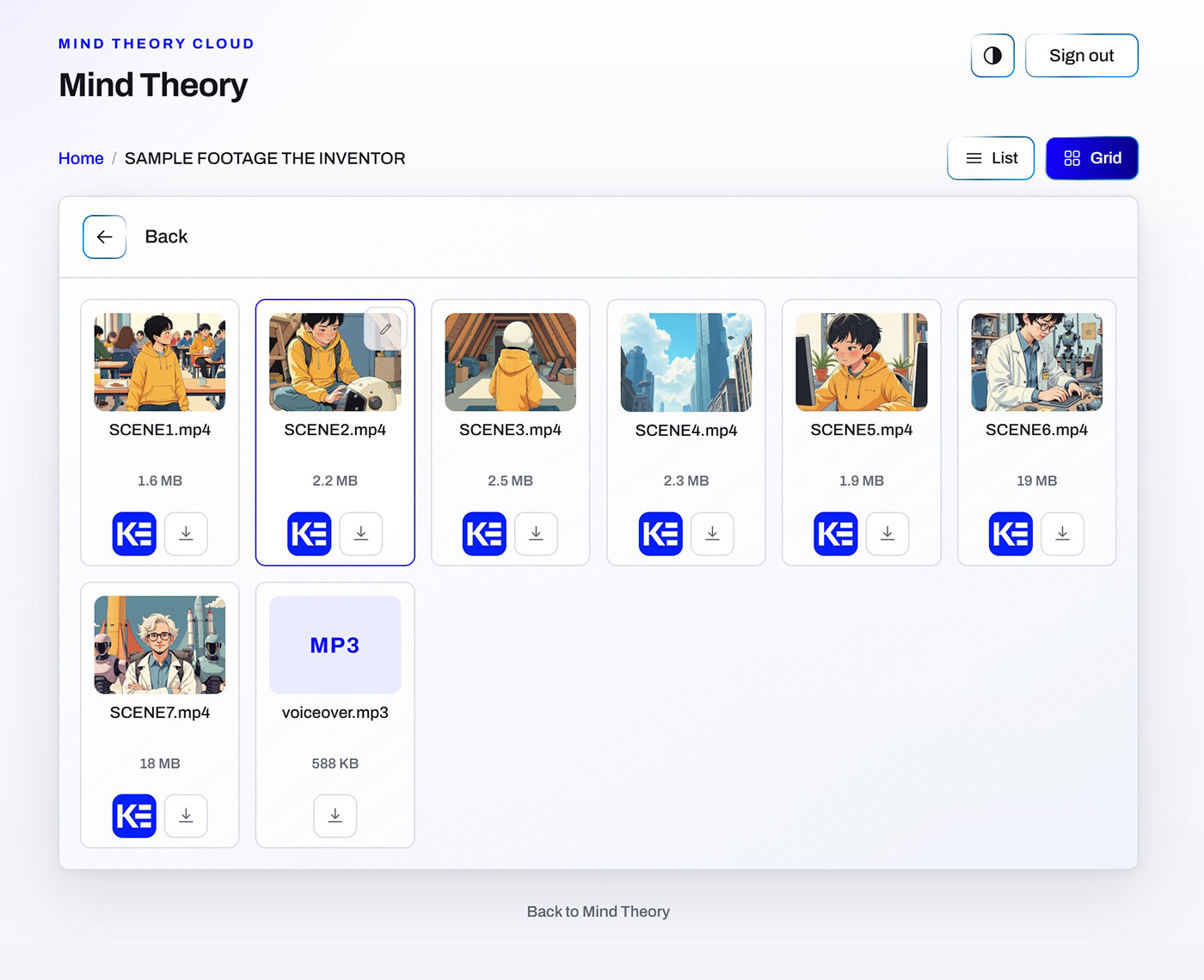
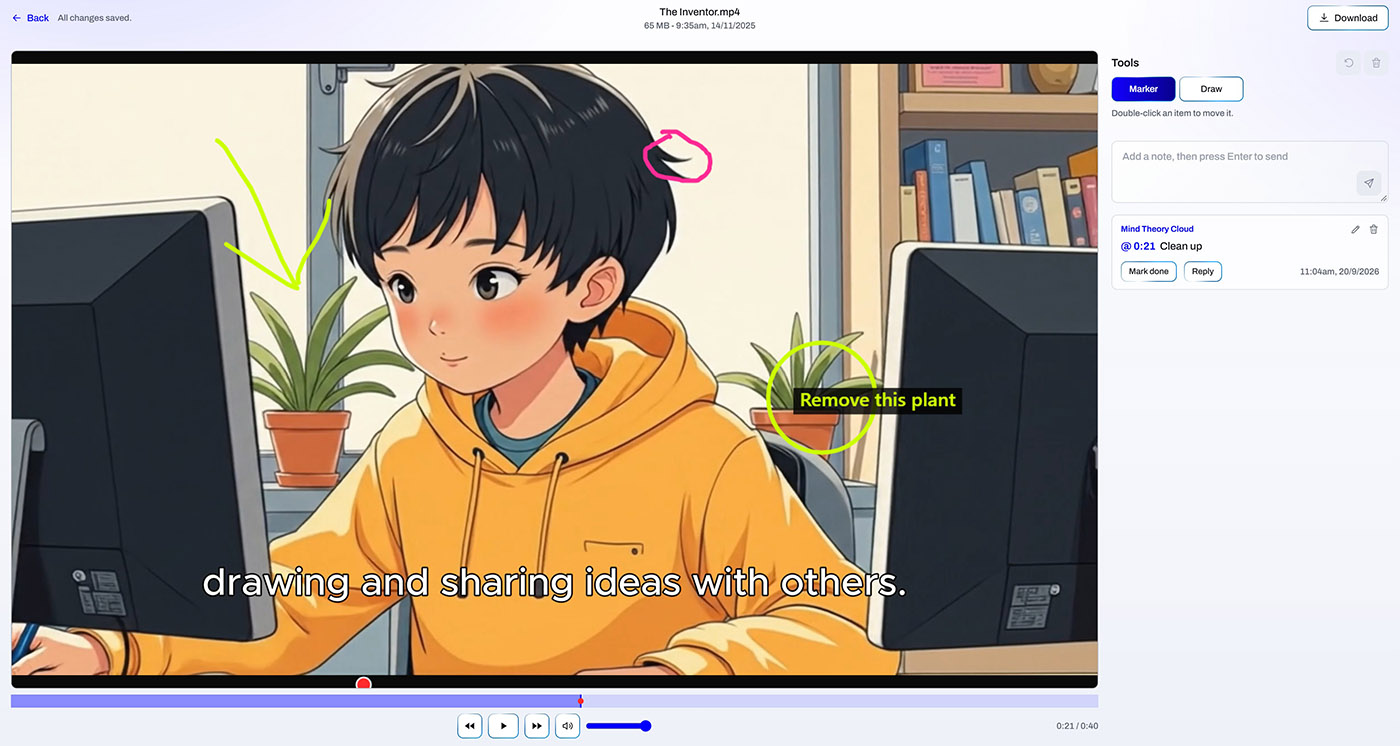
Yes. Kommento, the video review and annotation tool, is built into MTCloud and switched on per folder. Clients watch in the portal, pin notes to the exact second, draw on the frame and sign a cut off. The delivery password doubles as the review token, notes are kept by file and by round, and you are emailed from your own mail server when a note lands.
How does MTCloud Sync work?
MTCloud Sync is a small Windows app for your own PCs. Choose which deliveries it follows and where each one lives on that PC, and both sides stay the same from then on. Every signed-in PC is listed under Devices in the dashboard, a lost laptop can be revoked with one click, and files deleted from a synced folder sit in the server's Trash for 30 days.
Is MTCloud a replacement for a consumer cloud drive?
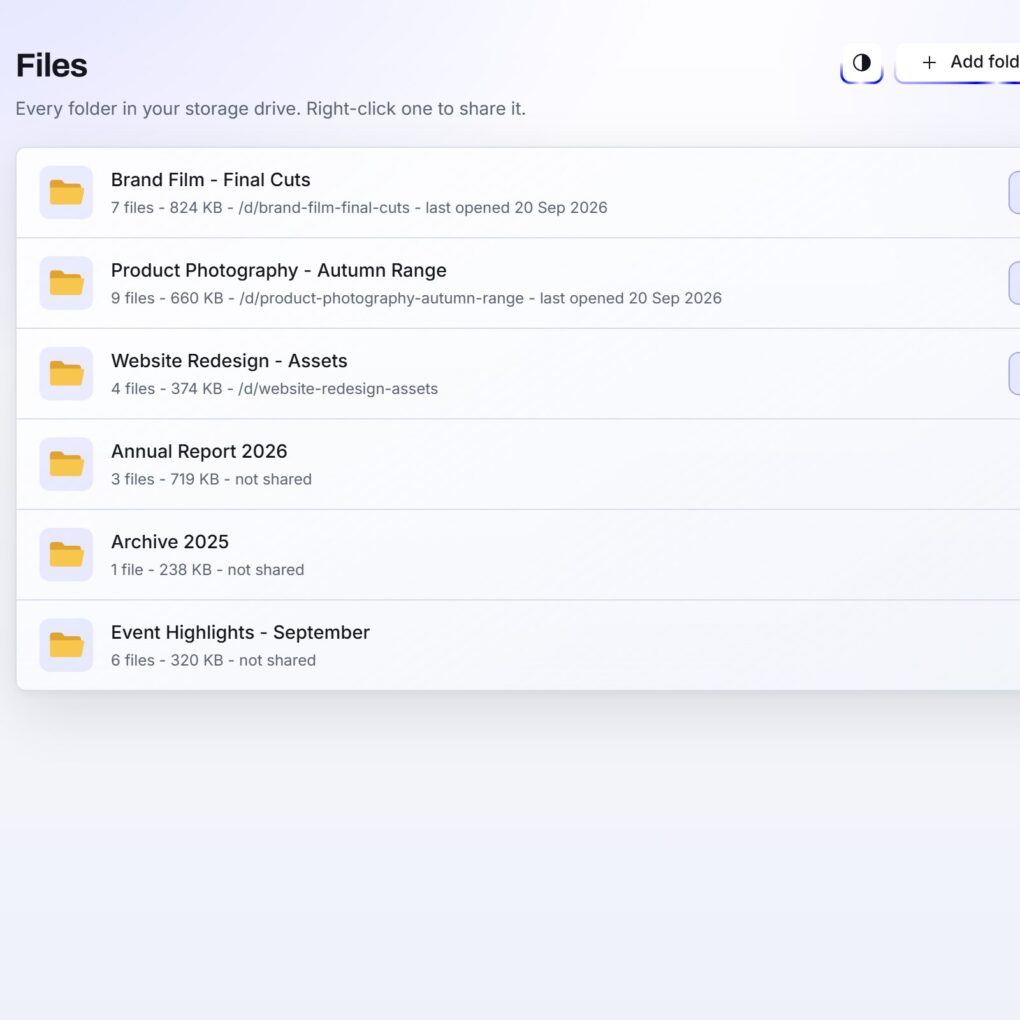
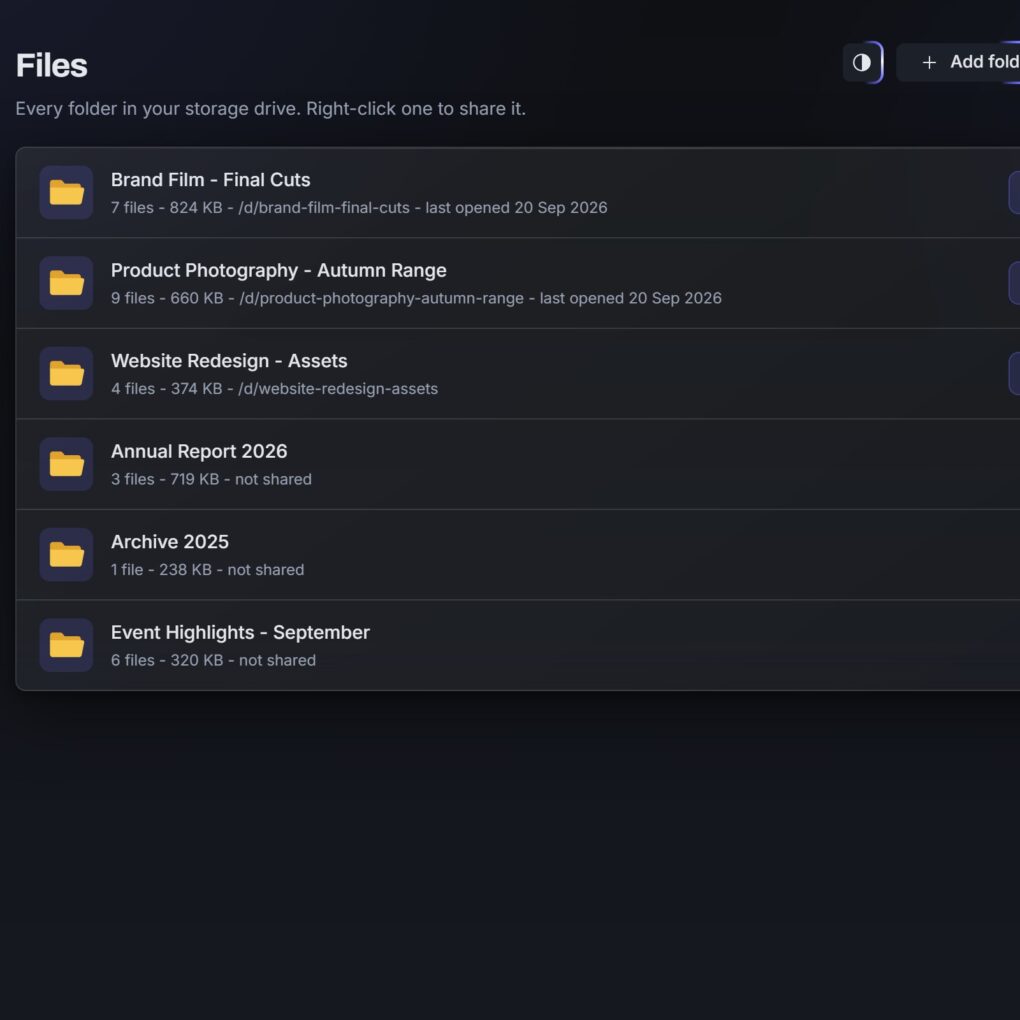
For a team that wants its files kept private, yes. MTCloud Sync keeps your chosen folders identical across your PCs, the dashboard shows everything on the server drive, and the only storage limit is the drive itself. The difference is that no outside provider ever holds, scans or indexes your files, and confidential work stays on hardware you control.
Where are the files stored and who can reach the admin side?
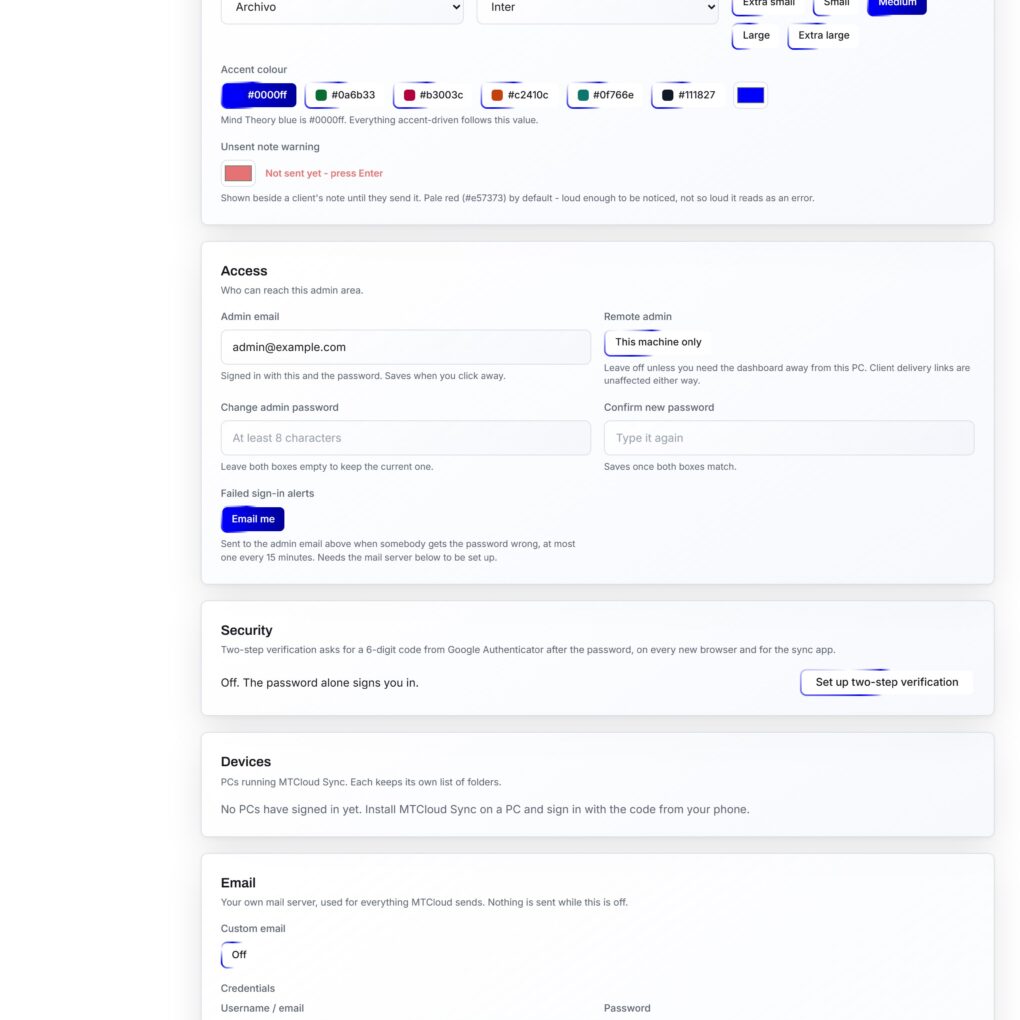
Files live on the MT Labs private server or on a machine in your own office, and clients reach their delivery page through a secure tunnel. The admin side only answers on the server itself and is protected by two-factor authentication with an authenticator app, a sign-in lockout and email alerts, so client work never sits on a server you do not control.
How do I get MTCloud for my team?
MTCloud comes as part of the MT Labs private server bundle alongside our other tools. Drop us an email for more information and we will set it up around how your team already delivers work.