

Edit Mode
Select Edit Mode
Modify from 2 Images
Image 1 = photo being edited, Image 2 = reference/style
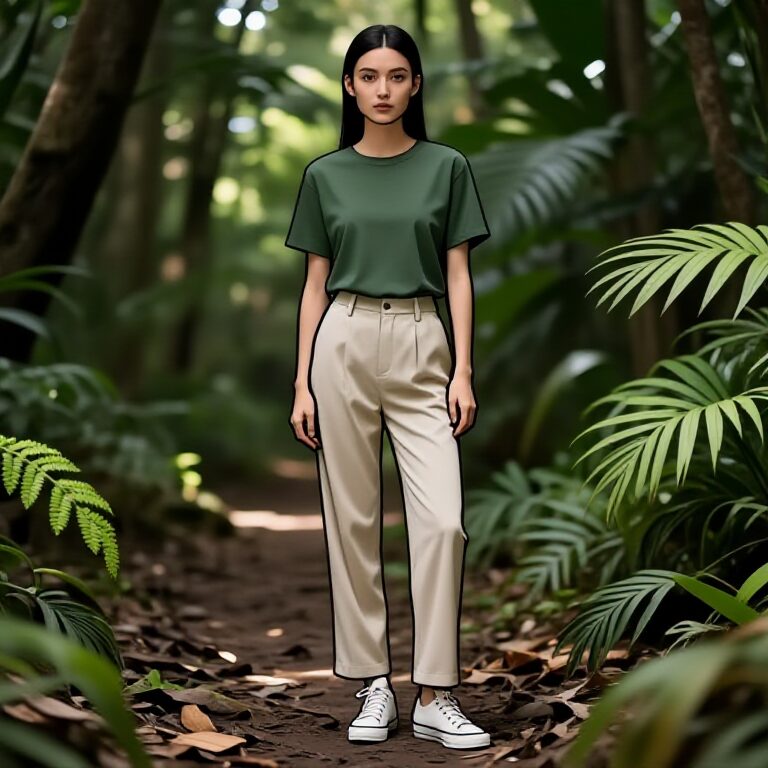
Have the girl in Figure 1 put on the clothes from Figure 2, Then, change the background environment to an African savannah while keeping the girl in the same posture to give a natural outdoor feel.

Image Edit
Describe what you want to modify in the Image
The man is wearing sunglasses, with a blue spiky hair.

Combine using 2 Reference Photo
Add 2 Image References to Guide the AI, or Face Swap
Make the Girl at Image 1, Drink the Bottle at Image 2, or Put the face on Image 1, on the person at Image 2.

Follow Style of Ref Image
Attach Image 1 to Follow the Visual Style of Image 2
Make the Girl at Image 1, look like the 3D or Illustration Style in Image 2.

Face Swap (Reactor)
Put the Face at Image 1, on the Body at Image 2.

Face Swap (Closer Resemblance)
Put the Face at Image 1, on the Body at Image 2.

LORA - 3D
Upload or Select an Person to apply LORA.

LORA - 8Bit Retro Game
Upload or Select an Person to apply LORA.

LORA - Art Nouveau
Upload or Select an Person to apply LORA.

LORA - Claymation
Upload or Select an Person to apply LORA.

LORA - Inflatable
Upload or Select an Person to apply LORA.

LORA - Hyper Detailed Illustration
Upload or Select an Person to apply LORA.

LORA - Anime
Upload or Select an Person to apply LORA.

LORA - Retro Anime
Upload or Select an Person to apply LORA.

LORA - Nano Illustration Style
Upload or Select an Person to apply LORA.

LORA - Vibrant Pop Art
Upload or Select an Person to apply LORA.

Lora - TT Comic
Upload or Select an Person to apply LORA.

Lora - RPG Character
Upload or Select an Person to apply LORA.

Lora - Vector
Upload or Select an Person to apply LORA.

Lora - Vector Illustration Art
Convert your image into a Vector Illustration Art

Create Storyboard
Convert your image into a Storyboard Sketch

Create Detailed Storyboard
Convert your image into a Detailed Storyboard Sketch

Blend your Image Seamlessly
Make your rough comps more seamless and blended looking.

Make It Fat
Increase the weight of the person.

Upscale
Upscale your Low Res Photos
IMAGE 1